
Brief Summary
This video reviews Apple's new Studio Display XDR, highlighting its features and performance in comparison to the previous Pro Display XDR and the regular Studio Display. It discusses the display's improved panel, brightness, contrast, and additional features like Thunderbolt 5 ports, webcam, and speakers. The review also touches on Apple's shift from targeting professional markets to high-end consumers, suggesting the "Studio" moniker will replace "Pro" for top-tier products.
- The Studio Display XDR features a miniLED panel with higher brightness and contrast compared to the Pro Display XDR.
- It includes additional features like Thunderbolt 5 ports, a webcam, and speakers, making it a versatile mixed-use product.
- Apple seems to be shifting its focus from the "Pro" market to high-end consumers, with the "Studio" line representing the most advanced products.
Intro: Apple's New Studio Display XDR
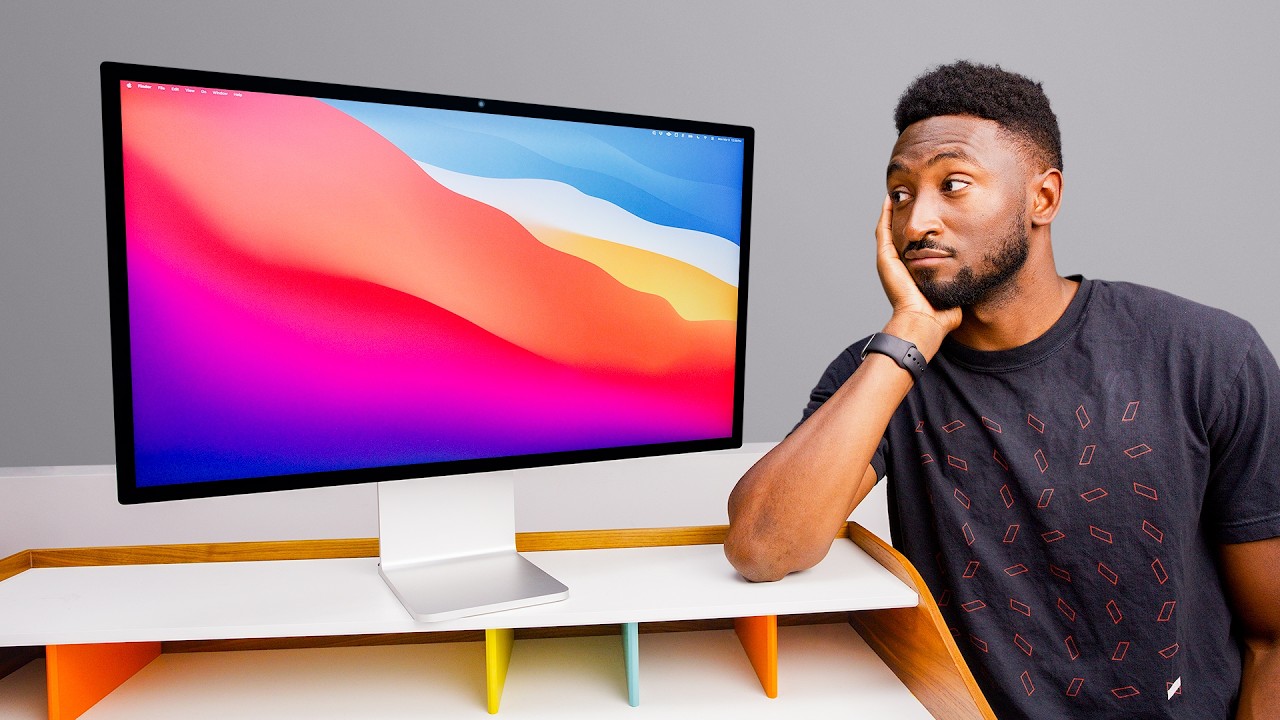
The video introduces Apple's new Studio Display XDR, positioning it as an upgraded version of the regular Studio Display. The presenter notes that while it may not be the most significant product release, its existence reveals much about Apple's current strategy. The past week saw the release of two displays: a barely updated regular Studio Display and the brand new Studio Display XDR.
Studio Display XDR: Features and Specs
The Studio Display XDR is a 27-inch 5K monitor with a miniLED panel, boasting 2,000 nits of peak HDR brightness and a 120Hz refresh rate with adaptive sync. This display is designed to replace the Pro Display XDR. The panel is technically superior to the Pro Display XDR in every aspect, offering 1,000 nits full-screen brightness in SDR mode (compared to the Pro Display's 500) and up to 2,000 nits peak brightness in HDR (compared to the Pro Display's 1,600). The miniLED backlight provides significantly more contrast control with 2,000 local dimming zones versus the Pro Display's 576, resulting in less blooming and higher contrast ratios.
Additional Features and Improvements
The Studio Display XDR includes an extra Thunderbolt 5 port, a built-in webcam, and speakers, all of which were absent in the Pro Display. Despite these upgrades, it is cheaper, starting at $3299 with the stand included. The nano-texture option is available for an additional $300. The nano-texture technology has improved over the years, with the latest version being easier to clean. The display comes with a specific cleaning cloth, and Apple has updated the compatibility list for their polishing cloth to include the new Studio Display.
Pairing with Apple Products
The Studio Display XDR pairs well with the MacBook Pro, offering a matching high refresh rate and miniLED display experience. The single Thunderbolt 5 cable provides power and connectivity for accessories. Up to four Studio Displays or two Studio Display XDRs can be daisy-chained to a single MacBook Pro. This setup provides matching high refresh rate, high brightness, miniLED displays and charges the MacBook Pro at 140W.
The "Studio" Era: Apple's Target Market
Apple seems to be shifting away from targeting the professional market, which is small and demanding. Instead, they are focusing on high-end consumers with "pro-level capabilities". The presenter suggests that the "Studio" moniker will replace "Pro" for Apple's top-tier products. The Mac Studio is receiving more regular updates than the Mac Pro, indicating a change in Apple's product strategy.
Real-World Usage and Comparisons
For those seeking the best display to pair with a MacBook Pro, the Studio Display XDR is an excellent choice. It is more than adequate for video creators and mixed-use scenarios, offering a good webcam and surprisingly good speakers. The 120Hz refresh rate is suitable for animations, scrolling, and even gaming. There are limited alternatives with similar specifications, making the Studio Display XDR a unique offering.
Minor Drawbacks and Final Thoughts
The included Thunderbolt 5 cable is relatively short. The top of the display can get warm due to the A19 Pro chip inside, which powers the webcam and speakers. The power cable is non-removable, which could be a problem for replacements. Overall, the Studio Display XDR is the best display for complementing a MacBook Pro, offering a seamless one-cable setup.

