
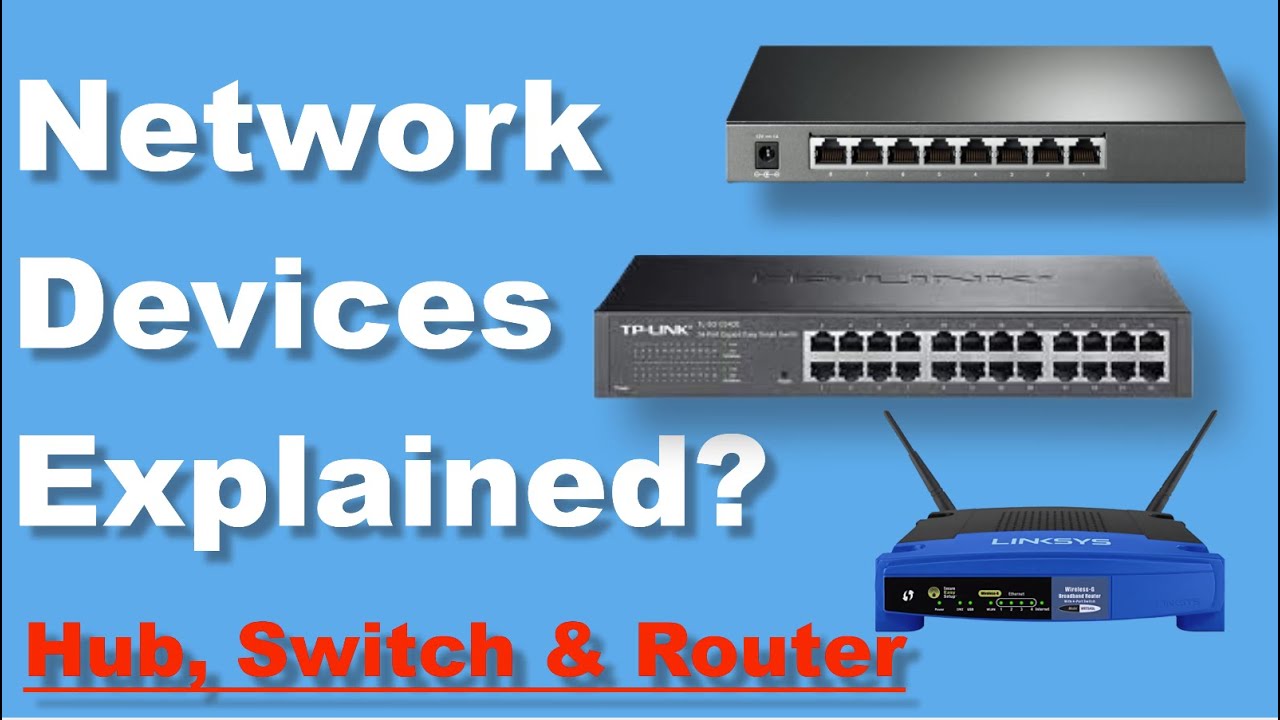
Brief Summary
This video explains the differences between three fundamental networking devices: hubs, switches, and routers. It details how each device operates, their advantages and disadvantages, and where they are best used in a network. The video covers the broadcast nature of hubs, the intelligent forwarding of switches using MAC addresses, and the routing capabilities of routers based on IP addresses.
- Hubs are simple broadcast devices that operate at the physical layer (Layer 1) of the OSI model.
- Switches are more intelligent, using MAC addresses to forward data at the data link layer (Layer 2).
- Routers connect different networks and route data based on IP addresses at the network layer (Layer 3).
Introduction
The video introduces a discussion about the differences between hubs, switches, and routers, which are basic networking devices. By the end of the video, viewers should understand how these devices work and where they are used in a network. The discussion starts with an explanation of hubs.
Hubs Explained
A hub is described as a simple and inexpensive networking broadcast device used to connect network devices and create a LAN. Hubs have multiple ports for connecting network cables. When a PC sends data to a hub, the hub repeats that data to all its ports, except the sending one. This means the data is cloned and sent to all connected devices. Hubs are not intelligent as they do not filter data or know where to send it, similar to a WhatsApp group where every member receives each message.
Disadvantages of Hubs
Hubs have several disadvantages, including wasting bandwidth. Even if a PC wants to send data to only one other PC on the LAN, all computers receive the data, creating unnecessary traffic and security concerns. The transmission mode of a hub is half-duplex, meaning devices cannot send and receive data simultaneously. If two PCs send data at the same time, it creates data collision, corrupting the data and requiring it to be resent.
Key Features of Hubs
Hubs operate at the physical layer (Layer 1) of the OSI model, meaning they have no knowledge of MAC or IP addresses and simply forward bits (0s and 1s). Hubs create a single broadcast and collision domain in a LAN. Their half-duplex transmission mode means only one device can send or receive data at a time. Hubs waste bandwidth by sending data to hosts that don't need it and pose a security risk because all hosts receive all data, making it easy for hackers to steal information. Hubs are considered old technology and have largely been replaced by switches.
Switches Explained
Switches are key building blocks for networks, similar to hubs, with multiple ports for Ethernet connections. Unlike hubs, switches are intelligent and can send data to a specific host or PC. Switches learn the physical (MAC) addresses of connected devices and store them in a MAC table. This learning and forwarding process allows switches to direct traffic efficiently.
How Switches Learn and Forward Data
The process involves collecting MAC addresses of linked devices (learning) and transferring network traffic from one PC connected to a port to another PC connected to another port (forwarding). In an example with four PCs (A, B, C, and D) connected to a switch, the switch uses a MAC address table (or CAM table) to store the MAC addresses of each device and their associated port. Initially, the MAC table is empty, and the switch learns as devices communicate.
Switch Communication Example
When PC A sends data to PC D, the switch receives the data frame on port 1. The switch examines the source MAC address (PC A) and checks its MAC table. If the source MAC address is not in the table, the switch adds PC A's MAC address and port 1 to the table. Then, the switch checks the destination MAC address (PC D). If the destination MAC address is not in the table, the switch broadcasts the data to every port except the ingress port (like a hub). Only PC D replies to PC A, while other PCs ignore the data.
Completing the Learning Process
When the switch receives the reply from PC D on port 4, it examines the source MAC address (PC D) and adds it to the MAC table with the associated port 4. Now, when PC A sends data to PC D again, the switch finds the destination MAC address and its associated port in its MAC table. The switch sends the data only to PC D without broadcasting, as it has already recorded PC D's MAC address and switch port. This way, the switch learns and records MAC addresses as devices communicate, establishing one-to-one communication.
Key Features of Switches
Switches operate at the data link layer (Layer 2) of the OSI model and store/check MAC addresses of connected devices. They increase bandwidth by using full-duplex transmission mode, allowing devices to send and receive data simultaneously. Switches use unicast mode for one-to-one communication, delivering data to specific hosts without flooding the network. Switches are more secure because only the destination host receives the data, and they lower the chance of frame collisions because each port has its own collision domain.
Routers Explained
While hubs and switches create LANs, routers connect networks, enabling data transfer between different LANs or to the internet. A router routes or forwards data from one network to another based on IP addresses, acting as the gateway of the network. Routers are intelligent devices that connect at least two different networks and provide the best path to access another network or content on the internet. Modern routers also perform tasks like network address translation (NAT) and provide IP addresses to hosts using DHCP.
How Routers Work
In a home or office network connected to the internet via a router, the router checks the IP address of data packets. If the packet belongs to the same network, the router bounces it back within the LAN. If it belongs to another network, the router forwards the packet to the destination network based on its routing table. Similarly, if the router receives a packet from the internet with an IP address scheme matching its LAN, it accepts it; otherwise, it rejects the packet.
Routers in Expanded Networks
In an expanded view of the internet, different networks (indicated by different colours) have their own routers, switches, and computers. These networks can communicate within themselves using hubs or switches. To exchange data between different networks, such as a computer in a green network communicating with a computer in a red network, the data packet leaves its own network and goes out onto the internet routers. The internet, a combination of routers, forwards the data packet based on the destination IP address, passing it from router to router until it reaches the destination network router and the destination server or PC.
OSI Model and Device Operation
Hubs, switches, and routers operate on different layers of the OSI model. Hubs operate on the physical layer (Layer 1), replicating bits in the network. Switches use MAC addresses to send data and operate on the data link layer (Layer 2). Routers use IP addresses and operate on the network layer (Layer 3).
Device Selection
It's advised never to buy hubs, as switches are available at approximately the same price and offer better performance. The only advantage of a hub is for capturing network traffic for analysis. If you need to connect to another network or the internet, you need a router. Routers connect different networks and perform tasks like NAT, which is necessary for internet connectivity. Routers also have DHCP servers, eliminating the need to manually configure IP addresses for hosts in the network.

