
Brief Summary
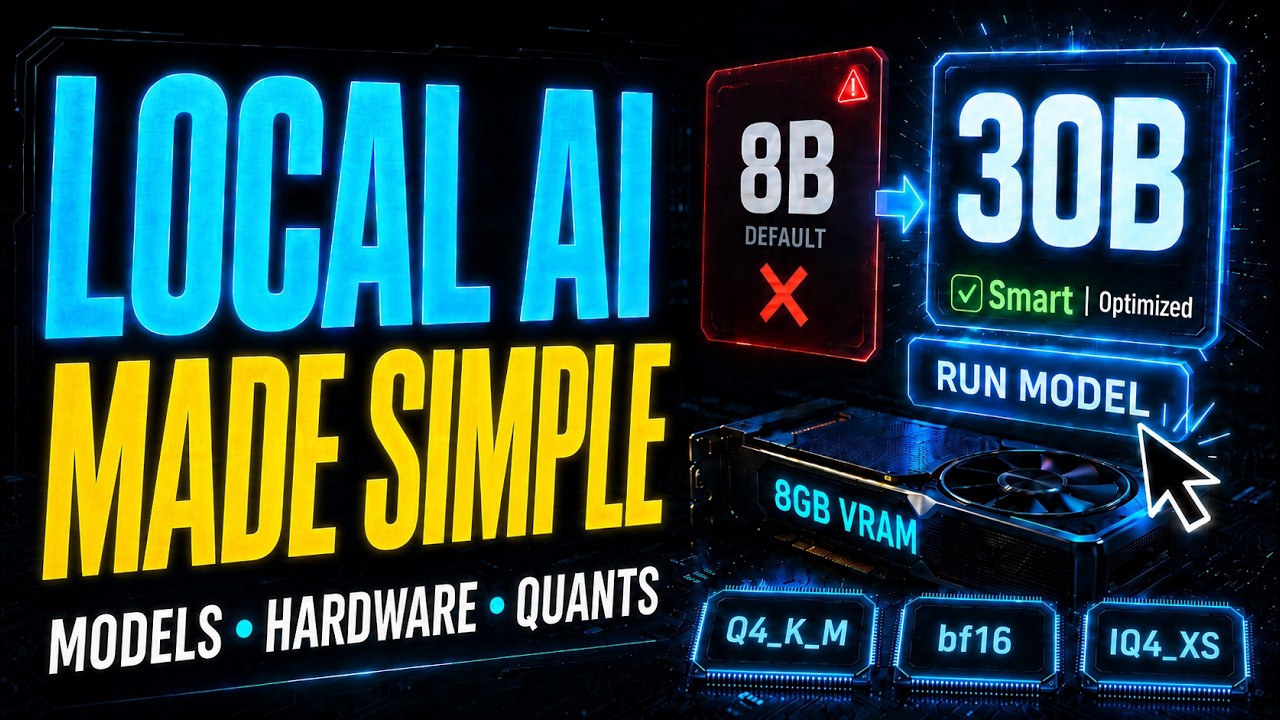
This video explains how to effectively run AI models locally using limited hardware resources. It covers various aspects like model selection, quantization, inference engines, and hardware suitability, focusing on overcoming VRAM limitations for better performance.
- Understand the model parameters and context requirements for effective model selection.
- Differentiate between engines and wrappers for model running, and the importance of using open-source engines.
- Grasp the significance of quantization in reducing model size without compromising quality.
- Learn about the Mixture of Experts (MoE) models for efficiently managing memory usage.
- Identify hardware requirements for dense models versus MoE offloading for optimal performance.
- Choose appropriate models based on specific tasks and application needs.
Intro, the questions
The video begins by discussing the complexities of running AI locally, highlighting the need to choose from various models and settings. It emphasizes understanding the crucial factors that determine compatibility with your hardware, encouraging viewers to identify which model works best for their specific needs based on their GPU capabilities.
The mental model: will it fit + will it run fast?
When assessing whether a model can run on your system, two main questions arise: does it fit within the VRAM limits and can it operate efficiently? Using a 3060 12 GB GPU as a reference, the presenter explains how to gauge model parameters, including how many connections exist in the model and the required space they will occupy in memory. A general method is provided for calculating whether an 8 billion or 13 billion parameter model can be feasibly run, taking into consideration both the weights and context requirements.
Context is your KV cache (and why it eats VRAM)
The presenter elaborates on the importance of the KV cache, which serves as the short-term memory of the AI model. He explains that the cache can vary significantly in size and is essential for maintaining conversation context. Quantization can help manage the size of the KV cache, making it crucial to balance memory usage with performance, especially during longer interactions.
Engines vs wrappers: how to actually run a model
The video classifies tools for running models into two categories: engines and wrappers. Engines perform the core functionalities of generating outputs from inputs but often require more technical know-how. In contrast, wrappers provide a more user-friendly interface, at the cost of some efficiency. The presenter encourages users not to become overly reliant on wrappers, emphasizing the importance of understanding and using the underlying engines like llama.cpp for better control and optimization.
llama.cpp + override-tensor (-ot): real control
The discussion shifts to the llama.cpp engine, which allows significant control over model execution. The NGL knob can split model loads between the CPU and GPU, while the override tensor feature enables users to specify which neural layers should run where. This optimization allows users to balance memory use and computational intensity effectively.
Quantization 101: GGUF, bits & model size
Quantization is explained as a method that enables larger models to fit into smaller VRAM capacities. The presenter describes how models are initially trained at full precision and how reducing the number of bits used per parameter significantly decreases the required model size. He discusses various quantization types, providing clear definitions for terms like Q4_K_M and K-quant, and highlighting the importance of selecting the right quantization for different situations.
Reading the labels: Q4_K_M, K-quant, IQ, Unsloth
Viewers are guided through interpreting model labels found on platforms like Hugging Face. The breakdown includes understanding bits per weight, the difference between K-quant and legacy methods, and the implications of various model size classifications. This knowledge is aimed at helping users select models that optimize both performance and memory efficiency.
Breaking the VRAM ceiling: MoE + offloading
The Mixture of Experts (MoE) model type is introduced as a method to bypass VRAM limitations. By leveraging CPU resources for low-compute tasks while maintaining high-memory tasks on the GPU, users can utilize models beyond typical VRAM constraints. The video explains how this allows for efficient operation even on systems with limited memory, such as running a GPT-OSS 120 billion model on an 8 GB GPU by intelligently allocating resources.
Running gpt-oss 120B on an 8GB GPU
The presenter shares a practical example of running a 120 billion parameter model on an 8 GB GPU. By using proper offloading techniques and understanding how to optimize resource allocation, he demonstrates that significant AI capabilities can be achieved without the need for expensive hardware upgrades.
Choosing your hardware: VRAM vs fast RAM, used GPUs
This section provides guidance on selecting the right hardware based on the type of models users plan to operate. For dense models, opting for high VRAM is critical, while models using offloading benefit from a balance of fast RAM and CPU capabilities. The presenter stresses that older GPUs with higher VRAM can provide better performance compared to newer, more powerful cards with less VRAM.
Which model should you actually run?
Viewers are encouraged to choose between specialist models for specific tasks and generalist models for broader applications. It is clarified that smaller models can outperform larger models in niche tasks, reinforcing the importance of picking the right model for the intended work, while also keeping licensing considerations in mind for commercial use.
The bigger picture: own your AI, don't rent it
The video concludes with a reminder of the overarching goal: to own and operate AI tools independently rather than relying on cloud services. The presenter asserts that most users have hardware capable of efficiently running AI models—emphasizing self-sufficiency and data privacy. With the right understanding and optimizations, running AI locally is not only viable but also liberating.

