
Brief Summary
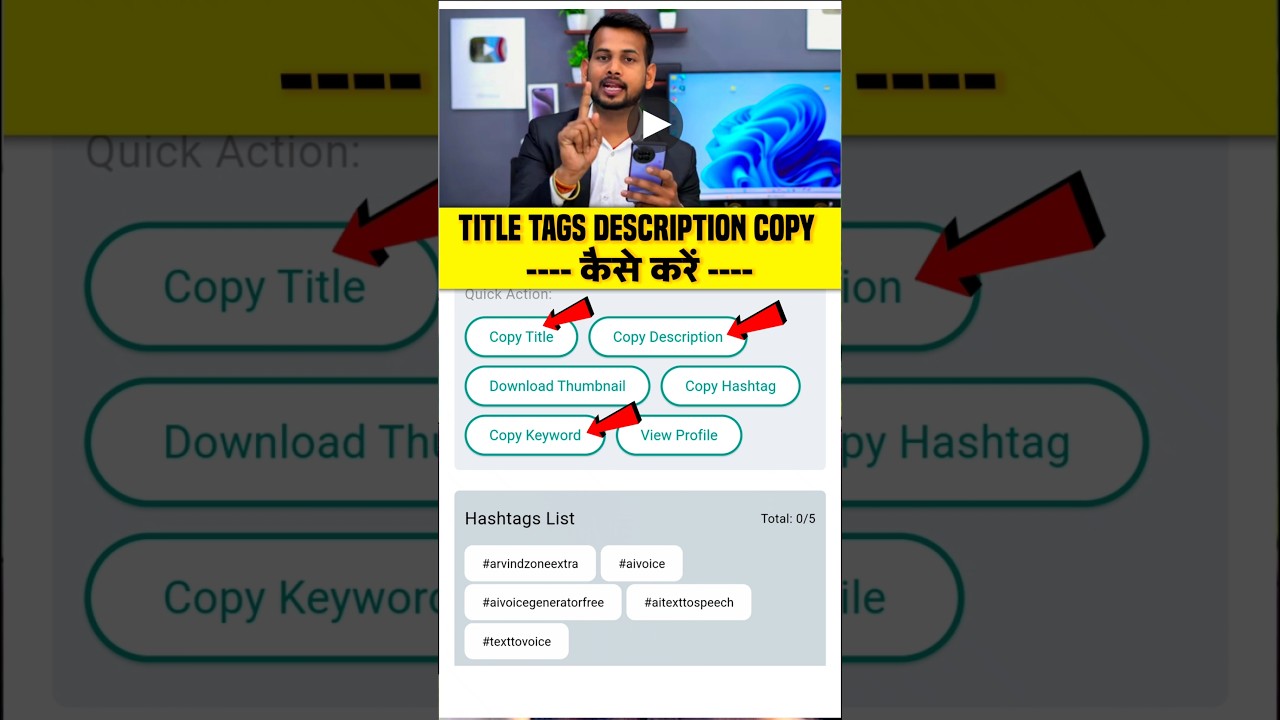
This video is a quick tutorial on how to copy the title, tags, and description of any YouTube video. The key steps involve copying the video's link, using an app called YT Tool, and then pasting the link into the app to extract the desired information.
- Copy YouTube video link
- Use YT Tool application
- Paste link in the app to extract title, description, and tags
Copying Title, Tags, and Description
If you want to copy a YouTube video's title, tags, and description, you need to go to the video you are interested in. Once you are on the video page, click on the "Share" option and copy the video's link.
Using YT Tool Application
Next, go to the Play Store and download an application called "YT Tool." After the application is downloaded, open it. You will see an interface where you can paste the link you copied earlier. Paste the video link into the app and click on the "Go" button. This will allow you to access and copy the title, description, and tags of the YouTube video.

