
Brief Summary
This video showcases a variety of utility apps for Android, focusing on their unique features and practical applications. The apps include an AI-powered gallery, a media conversion tool, a document-to-audio converter, a subscription tracker, game and movie release trackers, a goal-setting app, a multi-tool utility, a password manager, and an app that enables scrolling with volume buttons.
- Super Gallery: AI-powered photo sorting and organization.
- Media Conversia: Versatile media conversion and editing.
- Fratika: Converts documents and web articles to audio.
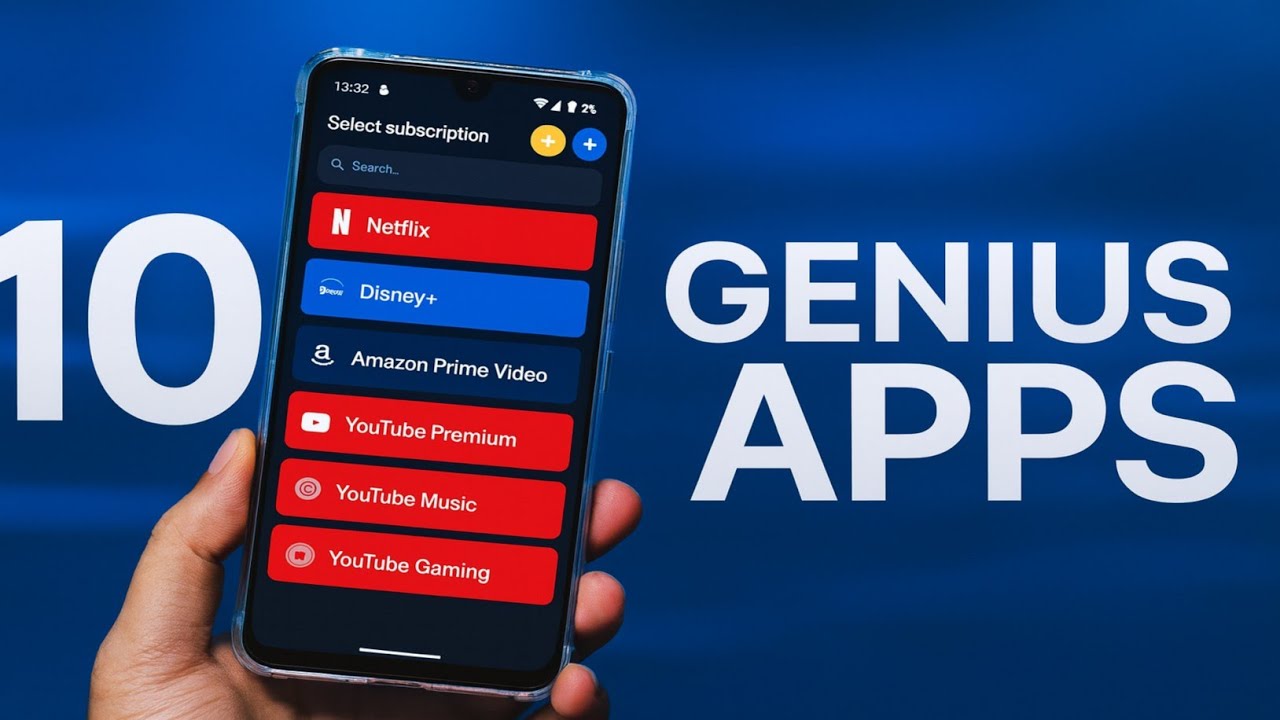
- Subtract: Subscription tracking and management.
- Game Release Tracker & Cinematic: Stay updated on games and movies.
- One Done: Simplifies daily goal setting.
- Omni Tools: Collection of useful utilities.
- Lock Bloom: Password management with strong password creation.
- Volume Scroll: Scroll pages using volume buttons.
Super Gallery: AI-Powered Photo Organization
Super Gallery is an AI-driven gallery app that automatically sorts photos, eliminating the need for endless scrolling. Its simple layout features smooth, rounded corners and an organized grid for a calm and user-friendly experience. The app allows users to swipe through tabs to switch between albums, search, and the full photo feed. The standout feature is the AI-powered search tab, which groups photos by category, along with options for a trash folder, favorites, and a private vault. Users can customize the grid size, enable fingerprint protection, and unlock a built-in editor in the settings.
Media Conversia: Versatile Media Conversion Tool
Media Conversia is a media utility app that handles various quick tasks such as converting videos to GIFs, batch image conversion, video trimming, creating PDFs from photos, and extracting screenshots from videos. The app's interface is straightforward, with simple options for each tool to ensure precise output. Users can convert videos to GIFs by trimming the clip and adjusting settings, convert up to 25 images at once, cut videos using a preview timeline, and save frames from videos with adjustable resolution. The app is free to use, with a limitation on very large files around 250 megabytes.
Fratika: Document-to-Audio Converter
Fratika converts documents into high-quality audio, allowing users to listen to their content. During setup, users can choose a voice and switch it at any time. The app supports uploading PDFs, Word files, and books, as well as pasting text directly or converting web articles. After generating the audio, users can preview, download, or save it in the app's library. The app provides 20 minutes of free conversion daily, with an option to upgrade for more usage.
Subtract: Subscription Tracking and Management
Subtract helps users stay organized by keeping track of multiple subscriptions, including streaming services, tools, and local subscriptions. The app displays all subscriptions on a clean home screen, showing payment progress and upcoming renewals. Users can check expenses weekly, monthly, or yearly, and customize the currency and language settings.
Game Release Tracker & Cinematic: Stay Updated on Games and Movies
Game Release Tracker helps gamers follow upcoming titles by browsing popular releases, saving favorites, setting reminders, watching trailers, and checking platform availability. Users can also view newly released and announced games, filter by date, and see ratings and reviews. Cinematic offers a similar experience for movie lovers, allowing them to explore upcoming films, save them, watch trailers, browse categories, and maintain a personal list. It also features a news tab with updates on movies and TV.
One Done: Simplifies Daily Goal Setting
One Done helps users focus by allowing them to set just one main goal per day. Users type in their goal, mark it as done or not at the end of the day, and track progress in the background. The app supports adding categories, setting reminders, and using a widget to keep the goal visible.
Omni Tools: Collection of Useful Utilities
Omni Tools combines several small, useful utilities in one app, including an age calculator, savings goal calculator, world time checker, and fuel cost estimator. The tools are grouped into categories such as finance, time, math, and units, with extras like a focus timer, barcode scanner, QR code maker, and bill splitter. The app is ad-free and features a clean interface.
Lock Bloom: Password Management with Strong Password Creation
Lock Bloom is a password manager that creates strong passwords, allowing users to choose the length, symbols, numbers, and case styles. It supports tags, notes, and labels, and offers biometric or pin protection. Users can easily back up their data, and the app features a polished design.
Volume Scroll: Scroll Pages Using Volume Buttons
Volume Scroll allows users to scroll pages using their volume buttons. Users can adjust the scroll distance per press, choose which apps it works in, and still control media volume with double or long presses.

