
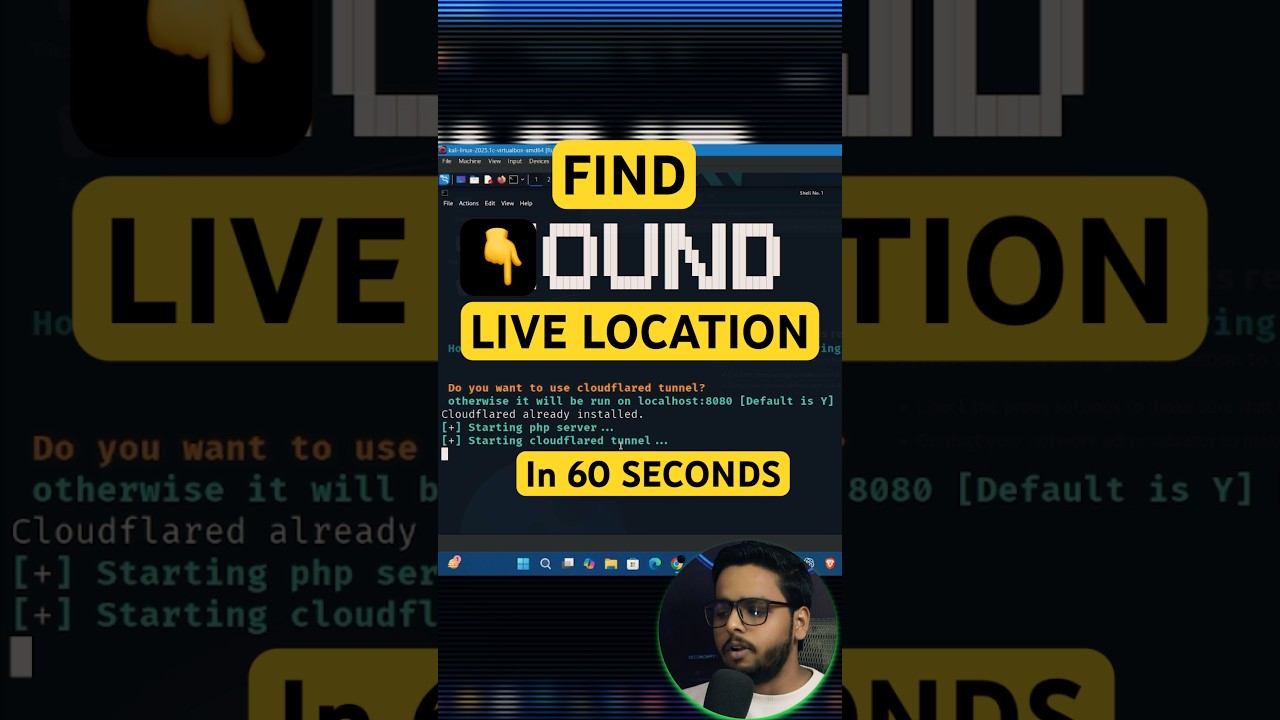
Brief Summary
This video demonstrates how to find someone's location using the Hound tool. It covers the installation process on Kali Linux, generating a link, and obtaining detailed information, including geographical coordinates and device specifications, once the target clicks the link and grants location permission.
- Utilizes the Hound tool to gather location and device information.
- Requires installation and execution of specific commands in Kali Linux.
- Obtains target's information upon link click and location permission.
Introduction
The video introduces a method to discover someone's location with just a single click, distinguishing itself from other YouTube tutorials by offering a 100% practical demonstration of how to find a live location. The presenter introduces the Hound tool as the means to achieve this.
Hound Tool Overview
The presenter introduces the Hound tool, explaining that it can find a target's longitude, latitude, device model, operating system, number of cores, screen resolution, user agent, public IP address, browser name, and ISP information. The video transitions into demonstrating how to use the tool effectively.
Installation and Setup
The process involves copying two commands from the Hound tool's webpage and pasting them into the Kali Linux terminal. After installation, the user navigates to the CDN directory and executes the "baz HD.SH" command. The script then asks whether to use Cloudflare Tunnel, to which the user should respond "yes".
Generating and Sharing the Link
After a brief setup, the tool provides a direct link. This link is then sent to the target. Once the target clicks on the link, their information becomes accessible.
Information Gathering
Upon the target clicking the link and granting location permission, the presenter demonstrates how the terminal displays comprehensive information about the target's device, including RAM, number of cores, screen resolution, IP address, and browser details. Crucially, it also reveals the target's latitude and longitude, pinpointing their exact location. A map link is provided to view the location in Google Earth.
Practical Application and Further Information
The presenter explains how to copy the provided coordinates into Google Maps to visualize the location. The video concludes by encouraging viewers to subscribe for more content and teasing a future video about another tool that can find someone's location and even take their photo.

