
Brief Summary
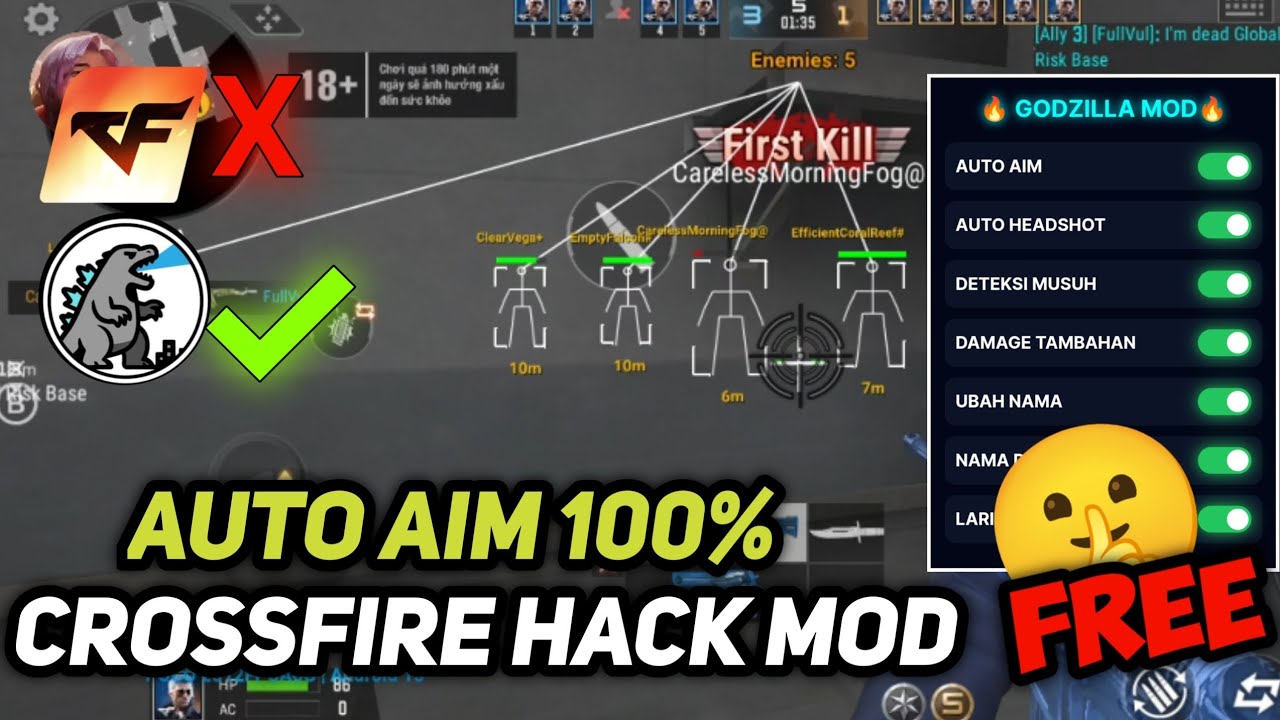
This video provides a tutorial on how to install and use the latest version of the Gojila Mod for Crossfire Mobile/Legends. It emphasizes the mod's auto-aim and other features designed to enhance gameplay. The tutorial covers downloading the necessary files, finding passwords, installing the mod, and activating its features within the game.
- The mod includes features like auto aim, auto headshot, and damage enhancement.
- Passwords for the mod are hidden in the video, encouraging viewers to watch carefully.
- The mod offers a name-changing feature to avoid being banned while using cheats.
Intro
The video introduces the latest version of the Gojila Mod for Crossfire Mobile/Legends, highlighting its auto-aim feature. The mod is shared for free, with download links available in the description. The video promises a comprehensive tutorial from start to finish, demonstrating how to easily use the cheat. Viewers are instructed to look for a password in the upper left corner of the screen, which is necessary to unlock the mod.
Downloading and Installing the Mod
The video instructs viewers to download the mod from the link in the description via Mediafire and to find the password in the upper left corner of the video. There are two applications to download, each with its own password. The password for the menu generator is "duniawi." After extracting the files, users need to install both the menu generator and the Gojila Mod.
Using the Menu Generator
The tutorial explains how to use the menu generator, which features options such as auto aim, auto headshot, enemy detection, additional damage, name change, name display above the head, and speed enhancement. After activating the desired features in the menu generator, users are instructed to enable the Gojila Mod. The password for the Gojila Mod is located in the upper left corner of the screen.
Launching Crossfire with the Mod
After enabling the Gojila Mod, the video demonstrates how to log into Crossfire Legends. Once the game is running, the mod menu appears, allowing users to activate features like auto aim, auto headshot, enemy detection, damage enhancement, name change, and speed boost. The name change feature helps prevent bans while using the mod.

