
Brief Summary
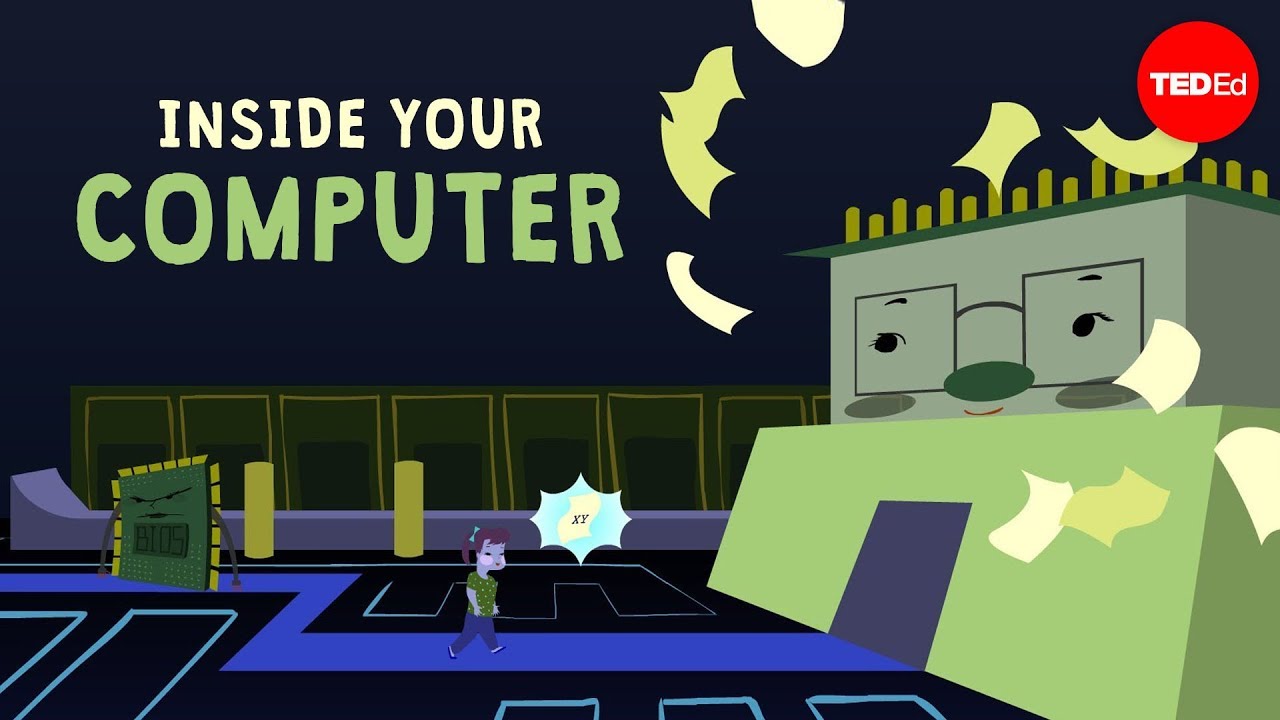
This video explains what happens inside a computer when you click a mouse, detailing the journey of that click through various hardware and software components. It covers the mouse itself, the basic input/output subsystem, the CPU, memory, and the programs that interpret and execute the action, illustrating the complex interaction between these elements to perform even a simple task.
- The mouse sends a message to the computer with position information upon a click.
- The CPU, the computer's brain, fetches and executes billions of instructions per second.
- Programs, initially written in human-readable languages, are compiled into bits for the computer to understand.
- Clicking a mouse involves multiple components like peripherals, BIOS, CPU, programs and memory.
Introduction
The video starts by posing the question of what happens between a mouse click and the resulting action on a computer screen. It sets the stage for an exploration of the inner workings of a computer, moving beyond the simple perception of a monitor and keyboard to understand the processes that capture, understand, and execute user intentions.
Mouse Click and I/O Subsystem
Taking the perspective of being shrunk down to the size of an electron, the video examines the mouse's simple mechanics, which include buttons and motion detection systems. When a mouse button is clicked, it sends a message containing its position to the computer, which is then handled by the Basic Input/Output Subsystem (BIOS). The BIOS acts as the computer's interface with its environment, managing input and output while also buffering the CPU from excessive interruptions.
CPU's Role
The CPU, or Central Processing Unit, is described as the brain of the computer, responsible for fetching and executing instructions from memory. It handles billions of instructions per second, managing tasks from moving the mouse cursor to playing internet radio. When a mouse click is registered, the CPU is interrupted and must determine how to process this input.
Programs and Memory
The video explains that the CPU relies on programs to perform every task, including managing the mouse, clock widget, and keyboard inputs. These programs are initially written in human-readable languages like Java, C++, or Python, but are then compiled into smaller, computer-readable bits of ones and zeros stored in memory. When the CPU needs to respond to a mouse click, it retrieves the necessary instructions from the memory subsystem.
Process of a Mouse Click
The process initiated by a simple mouse click involves a complex series of steps. The CPU identifies that the mouse was clicked over a button on the screen and then requests the monitor program from memory to determine the button's function. It continues by requesting the program associated with that button, and then the monitor program again to display the corresponding video. This illustrates the extensive chain of programs and processes activated even before the button visually responds to the click.
Conclusion
The video concludes by emphasizing that the simple action of clicking a mouse engages all critical components of a computer's architecture, including peripherals, the basic input-output system, the CPU, programs, and memory. This complex interaction occurs without any "gremlins" inside the computer, highlighting the intricate engineering that makes modern computing possible.

