
Brief Summary
This video introduces and demonstrates the new "Agent Swarm" feature in Cut Code, which allows for the creation of multiple autonomous agents that work in parallel to complete tasks. It covers the architecture of the system, task management, and the benefits of parallelization. The video also provides a guide on how to activate and use the feature, along with best practices for effective implementation.
- Introduction of Agent Swarm feature in Cut Code.
- Demonstration of multi-agent collaboration using Tmux.
- Explanation of the system architecture and task management.
- Guide on activating and using the Agent Swarm feature.
- Discussion of the benefits of parallelization and best practices.
Introduction
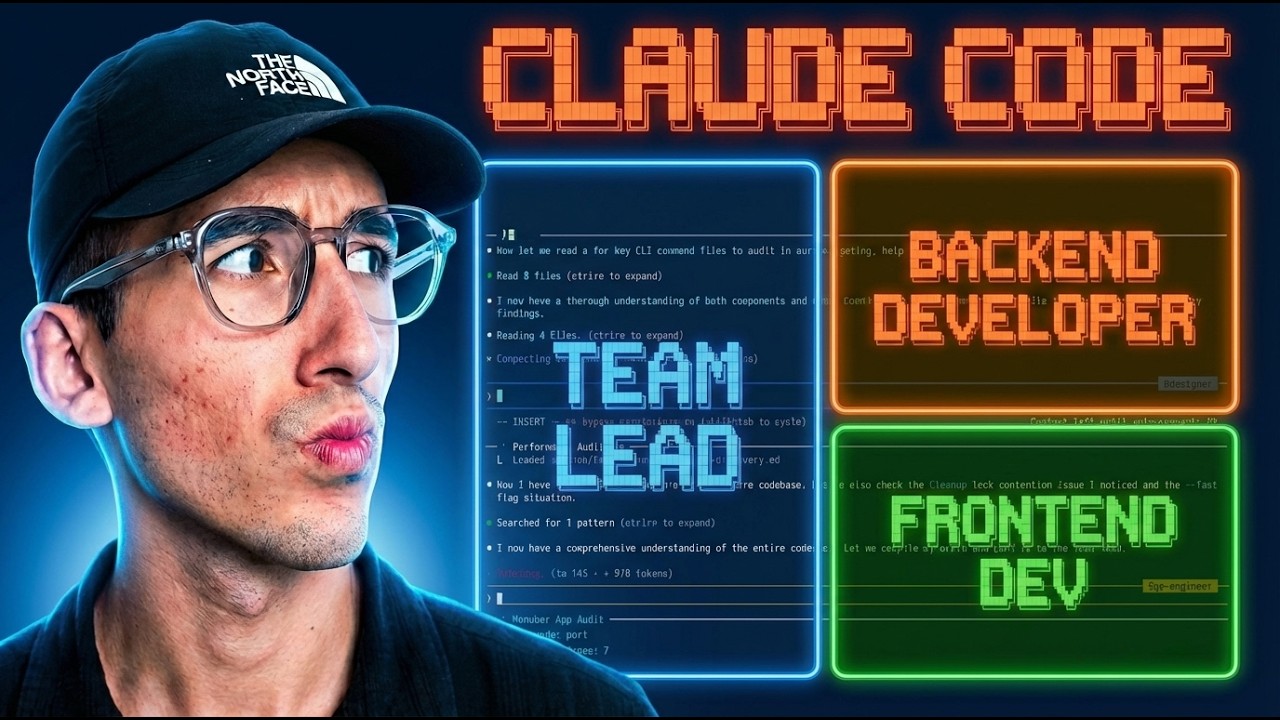
The presenter introduces the new Agent Swarm feature in Cut Code, showcasing a live demonstration of its capabilities. The feature involves a main agent initiating and managing multiple sub-agents to work on implementing features. These agents operate with their own separate chat interfaces, allowing for individual control and instruction. The demonstration highlights the ability to run three agents simultaneously, each handling different aspects such as admin UI, widgets, and backend tasks. The team lead can monitor progress, provide instructions, and shut down agents upon task completion.
Démonstration multi agents en direct
The demonstration shows the main agent launching two additional agents using Tmux to implement features. Unlike previous sub-agents, these new agents allow for concurrent work on the same feature, each with its own chat. The presenter added a microphone feature to the application to test the agent swarm. The agents, named Admin UI, Widget, and Backend, work in parallel, and the system allows for individual agent shutdown by the team lead. The first agent completes its task and requests a shutdown, showcasing the coordinated task management.
Utilisation de T-mux pour le terminal
Tmux is used to manage multiple terminals within a single window, facilitating the operation of multiple agents. The main agent cleans up the modifications made by the other agents. The presenter notes that the agent also adds documentation.
Test d une feature complexe
The presenter tests the implemented feature, which was previously developed in production. The agent completed the complex task very quickly. The presenter tests the microphone integration, noting that the implementation is substantial.
Architecture du système de swarm
The Agent Swarm architecture involves autonomous agents working in parallel, communicating, and coordinating on a shared task. The system includes a team lead (the main agent) who manages the other agents. The lifecycle of an agent includes being spawned, assigned a task, working on the task, completing it, sending messages, and potentially receiving more work before being shut down. Available tools include team creation (which creates a list of shared tasks) and task creation (which adds tasks to a team file).
Gestion des tâches et messages
The system allows for task listing, retrieval, and updating, including assigning teammates, changing status, and adding blocks (pending, in progress, completed, deleted). Agents can send messages to the team lead or specific teammates, broadcast messages, request shutdowns, and approve plans. The presenter also mentions the ability to create dependencies between tasks.
Créer une application de zéro
The presenter attempts to create an application from scratch using the agents, utilizing Tmux to manage multiple terminals. The presenter instructs Cloud Code to use Agent Swarm with a minimum of three agents to build the application. The system creates tasks and assigns them to agents, including a backend agent, a component agent, and a page agent.
Analyse du cycle de vie des agents
One agent quickly completes its task. The main agent kills the other agents after they complete their tasks. Once all members are removed, only the team lead remains to complete the feature. The thumbnail generator produces the same interface in 4 minutes and 31 seconds.
Avantages de la parallélisation
The benefits of using Agent Swarm include task parallelization and increased control. The system uses prompt engineering to manage dependencies, allowing tasks to be blocked and launched procedurally. Agents perform tasks independently and report completion to the main agent. This setup allows for faster development and greater customization, including the potential to add specialized agents for different project aspects.
Activer Claude Code experimental team
To activate the Agent Swarm feature, users need to go to the cloud settings file and enable "cloud code experimental agent team". The presenter references the documentation for further instructions on activating the agent team and creating a first agent team. Teams can be created in-process or in split-panes (using Tmux).
Modes d affichage et permissions
The system has a delegate mode that prevents the main agent from working until the team is created and tasks are assigned. Tasks are shared among the team, and teammates can claim new tasks after completing one. The system includes features for shutting down teammates and cleaning up the team. The messaging system is comprehensive, and agents share the same context and permissions as the team lead.
Conclusion et bonnes pratiques
Best practices include providing sufficient context to each teammate, waiting for teammates to finish tasks, starting with research, and avoiding file conflicts. The presenter recommends using Tmux and being mindful of permission settings. The presenter encourages viewers to use the feature and provide feedback.

