
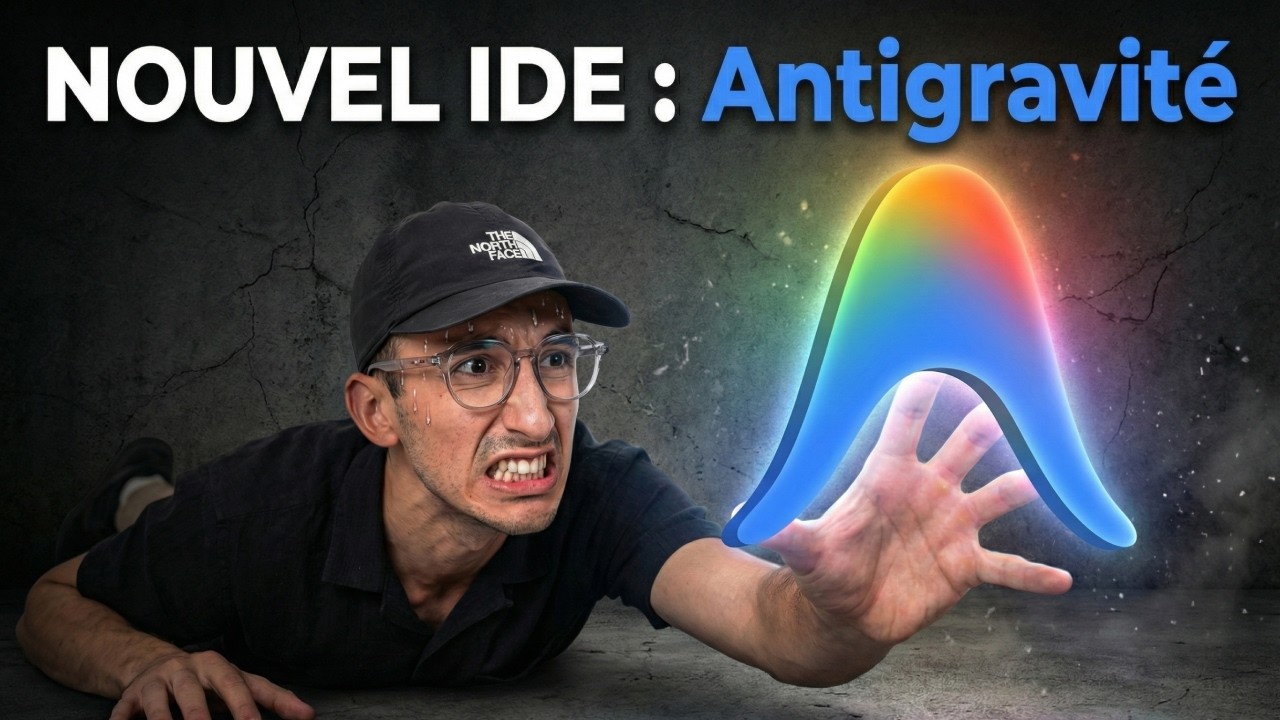
Brief Summary
The video explores Google's Antigravity, an agentic development platform, highlighting its features like autocompletion, agent management, and browser control. The presenter tests Antigravity, focusing on its autocompletion capabilities, agent-driven coding, and integration with Gemini Pro. The video also covers practical demonstrations, including adding padding to a UI, creating a Snake game, and using browser control for testing and verification. The final verdict is positive, praising Antigravity as a well-designed product with significant potential, especially compared to existing tools like Cursor.
- Testing Google's Antigravity, an agentic development platform.
- Demonstrating autocompletion, agent management, and browser control features.
- Creating a Snake game and using browser control for testing and verification.
- Positive verdict, praising Antigravity as a well-designed product.
Introduction et installation d'Antigravity
The presenter introduces Google's Antigravity, an agentic development platform from Google DeepMind. He proceeds to download and launch Antigravity, noting its logo and the installation process. The presenter selects a dark theme and configures terminal execution policies, opting for a "yolo" mode without human validation. He signs in, acknowledging concerns about privacy, and highlights the tool's interface, which resembles VS Code.
Article & aperçu des features (Gemini)
The presenter references a blog post introducing Google Antigravity, emphasizing its integration with Gemini 3 to change the way developers work with IDEs. Antigravity allows for different levels of trust and autonomy, enabling features like feedback and self-improvement. The presenter highlights key features such as autocompletion, high-level abstraction, cross-surface agents, and user feedback. He opens a folder in Antigravity, addressing initial configuration issues by adjusting the icon theme.
Démo autocomplete et ajout de padding
The presenter demonstrates Antigravity's autocompletion feature by modifying a page. He adds a padding parameter, showcasing the speed and efficiency of the autocompletion. The presenter adds a card padding option, demonstrating how quickly the code is filled in and the jump functionality. He adds a function to get the card padding value and integrates it into the existing code, highlighting the context-awareness of Antigravity's autocompletion.
Agent Manager : planning vs fast
The presenter transitions to the Agent Manager, exploring its workspace interface. He discusses the planning and fast modes, selecting planning mode with Gemini Pro. The presenter tasks the agent with updating the radius and padding with a single group, providing a screenshot for context. The agent analyzes the task, modifies a task file, and installs Toggle Group. The presenter notes that the agent didn't ask for approval before executing the plan, operating in "yolo" mode.
Problèmes PNPM et artefacts
The presenter encounters an error where the agent doesn't use PNPM despite the agent.md file providing the information. He manually corrects the agent by specifying the use of PNPM with the override parameter. The presenter examines the artifacts, including the task file, implementation plan, and change overview. He observes that the agent is still running in planning mode while executing commands.
Accès navigateur & promo mlv.sh/aid
The presenter adjusts the styling, requesting an outline style for the toggle group. He finds that the feature works well but notes the process wasn't fast. The presenter highlights that the agent should ideally stop and ask for confirmation before proceeding. He mentions that by going to mlv.sh/ai, viewers can access a free cloud code masterclass and his CLI, which includes agents, commands, hooks, output styles, and configurations for using Cloud Code.
Contrôle Chrome : test et capture
The presenter enables browser access, allowing the agent to interact with his browser. He instructs the agent to go to localhost 3000/about and remove a double footer. The agent controls Chrome, identifying the double footer. The presenter connects the Antigravity browser extension and asks the agent to verify that the email config page functions correctly. The agent launches Chrome, scrolls through the page, clicks on options, changes padding, disables margin, and takes a screenshot.
Implémenter card margin et vérifier
The presenter asks the agent to add a new configuration for card margin, implement the functionality, and verify it with the browser. The agent navigates to the page, adds a margin, and the presenter notes that the feature was implemented but not adequately tested. Despite this, the presenter acknowledges the agent's impressive one-shot feature creation.
Playground : création du Snake game
The presenter explores the Playground feature, creating a quick Snake game using only one HTML file. This opens another interface where the artifacts, implementation plan, tasks, and changed files are more visible. The agent completes the Snake game, and the presenter observes the agent launching the browser and testing the game.
Récapitulatif et verdict final
The presenter summarizes the features of Antigravity, including autocompletion, high-level abstraction, cross-surface agents, and feedback. He highlights the agent-first experience with centralized views for multiple agents. The presenter concludes that Antigravity is a well-designed product with real features, praising its potential and impact on the development landscape. He believes it surpasses existing tools like Cursor, particularly in autocompletion capabilities.

