
Brief Summary
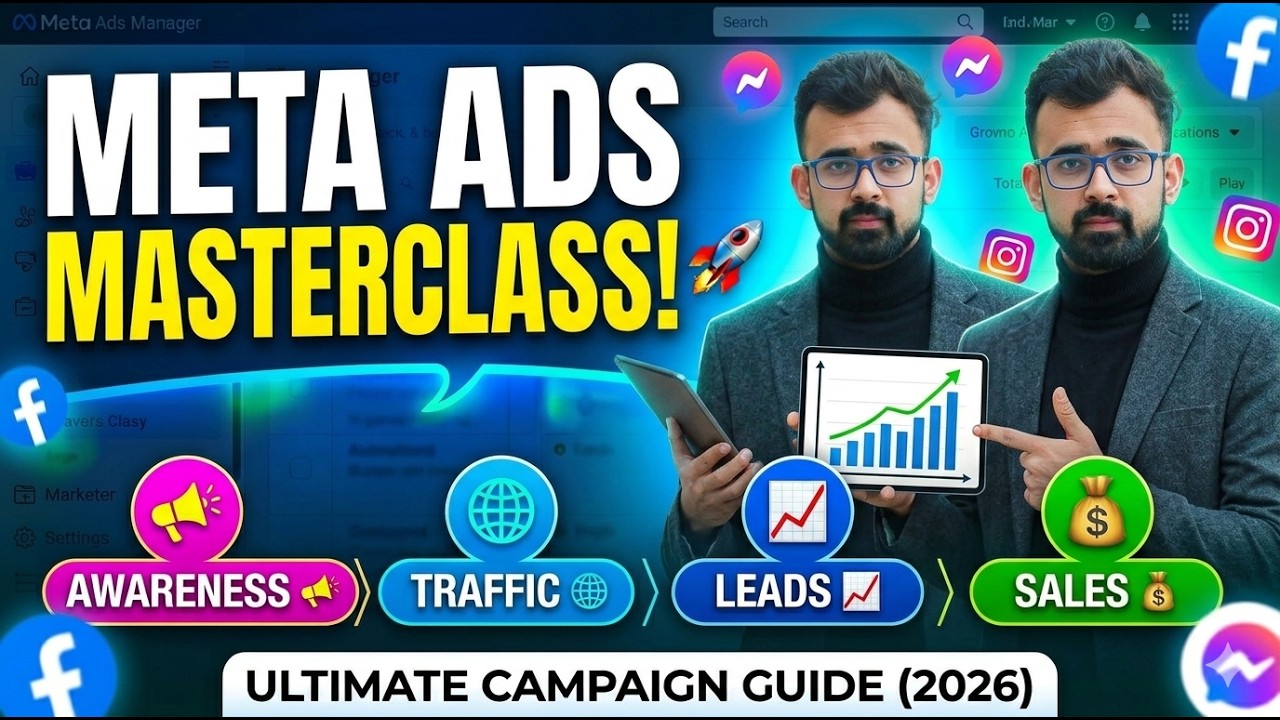
This video provides an overview of Meta Ads Manager, detailing various campaign objectives such as awareness, traffic, engagement, leads, app promotion, and sales. It explains how to set up and customize ad campaigns, target specific audiences, and preview ad placements across different platforms. The video also touches on budgeting, A/B testing, and the importance of aligning campaign goals with the appropriate objective.
- Overview of Meta Ads Manager
- Explanation of campaign objectives
- Customization and targeting options
Introduction to Meta Ads Manager & Campaign Objectives
The video begins with a walkthrough of accessing Meta Ads Manager via metadatus.mmeta.com. After logging in, the presenter navigates to the campaign creation section to discuss the different types of campaigns available. These include awareness, traffic, engagement, leads, app promotion, and sales. The presenter explains that the video will cover what each objective is used for and demonstrate how to set up an ad for each.
Understanding Awareness Campaigns & Advantage+ Budgets
The presenter selects the "awareness" objective, which is designed to increase brand reach and awareness by showing ads to people likely to remember the brand. The video then transitions to the campaign setup page, where the buying type is set to "auction" and the objective is confirmed as "awareness." The presenter explains the "Advantage+ Campaign Budget" option, which automatically allocates the ad budget across different ad sets within the campaign to improve performance.
Frequency Controls & Ad Recall Lift Explained
The video discusses performance goals, such as maximizing reach, impressions, or ad recall lift. Frequency control is explained as a feature to manage how often people see the ads, with options to set a target average or a maximum cap. An example is given of setting a frequency cap of two times per day for seven consecutive days.
Budgeting Basics & Setting Your Daily Spend
The tutorial moves to the budgeting section, where the daily budget can be set. Meta Ads Manager suggests a minimum budget and indicates the average daily spend and maximum daily spend. For example, the system might suggest an average spend of 525 rupees with a maximum of 918 rupees. The schedule can be set to start immediately or at a later date, with the option to select an end date.
Audience Targeting: Global vs. Local Strategies
The video addresses audience selection, distinguishing between global and local strategies. For lead generation, countries like the US and Canada might be targeted, while for brand awareness or job ads, Pakistan might be selected.
Ad Previews: Placements on Feeds, Stories, and Reels
The presenter previews how the ad will appear on various platforms, including Instagram feeds, Reels, and stories, as well as Facebook search results. The ad can be customized to run on specific placements.
Driving Traffic: Instagram Profiles, Websites, and Calls
The video shifts to the "traffic" objective, which is used to drive traffic to a specific destination such as an Instagram profile, Facebook page, or website. The goal is to increase reach and conversions. Options include landing page views, Instagram profile visits, and calls.
Engagement Strategies: Messages, Video Views, and Post Likes
The presenter describes the "engagement" objective, which aims to increase user interaction through messages, video views, post likes, page likes, and conversions.
Lead Generation: Instant Forms and Messenger Integration
The "leads" objective involves attaching a form for customers to fill out, enabling follow-up communication via WhatsApp, Messenger, or Instagram to convert potential customers into confirmed sales.
App Promotion & Sales Catalogues for Conversions
The video concludes by covering app promotion, where a link to the app is provided, and the "sales" objective, which involves attaching a sales catalog or services to direct users to a product page for purchase. The aim is to convert potential customers into confirmed buyers. The presenter mentions future videos will cover adding landing pages, app links, and forms.

