
Brief Summary
This video discusses a new challenge faced by Fire Stick and Fire TV users: certain streaming applications are now being blocked from installation due to a blacklist. The video introduces a solution using the updated App Cloner, which allows users to clone applications before installation, potentially bypassing the block. The tutorial demonstrates how to download, install, and use the new App Cloner feature, along with a recommendation to use a VPN for added protection and to bypass region-specific blocks.
- Streaming applications are being blocked from installation on Fire Stick and Fire TV devices.
- The new App Cloner version allows cloning applications before installation.
- Using a VPN is recommended for protection and to bypass region-specific blocks.
Introduction: Blocking of Streaming Apps
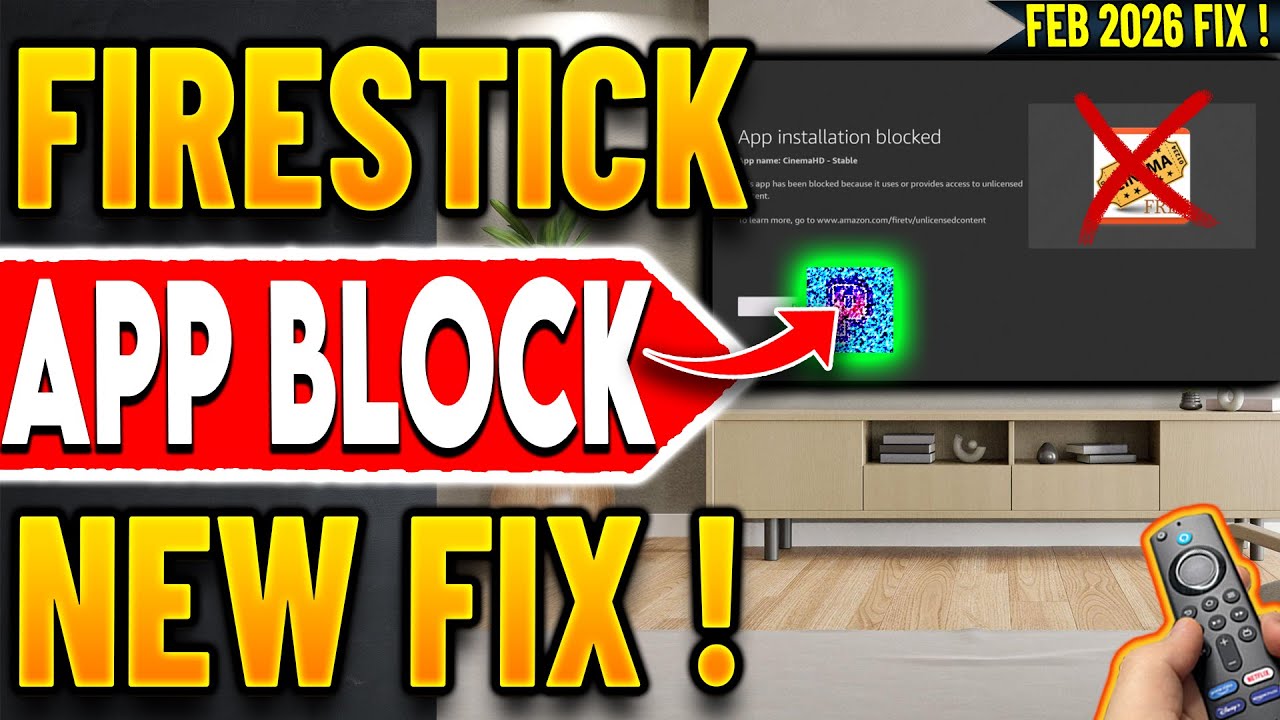
The video addresses the issue of streaming applications being blocked from installation on Fire Stick and Fire TV devices. The installation process now checks applications against a blacklist, preventing the installation of blacklisted apps. The presenter demonstrates this by attempting to install a blocked application, which is immediately blocked with a message indicating that the app uses or provides access to blocked content.
Solution: New App Cloner Version
The presenter introduces a solution to bypass this block: a new version of App Cloner released in February 2026. This updated version includes a new feature that allows users to clone applications before they are even installed. The presenter expresses excitement about sharing this update and emphasizes the importance of staying subscribed for timely updates in this rapidly changing environment.
Downloading and Installing App Cloner
The presenter navigates to a third-generation Fire TV Cube to install the new App Cloner version. Users are directed to techdoc.com or the short code 5342 to access the website. The presenter praises the developer of App Cloner for continuously adding updates and features to counter the ongoing blocks. The tutorial guides users to download the latest version from the website by clicking on the hamburger menu, selecting tutorials, and finding the download link for the February 2026 version. The presenter assures that the link on the website always provides the latest version of the application.
Using the New Clone Feature
After installation, the presenter opens the new App Cloner version and highlights the new plus button on the top right. This button allows users to select a repository or source area for their applications, enabling them to modify and clone apps. The presenter demonstrates how to import an APK file from storage by granting the necessary permissions. The application then searches the internal storage for available APK files.
Cloning and Testing Applications
The presenter selects an application that is typically blocked from installation and demonstrates the cloning process. By selecting the application and clicking on "clone," App Cloner modifies the package name, allowing the cloned application to be installed. The presenter tests whether the cloned application launches and streams content successfully, confirming that the process works.
Demonstrating with Additional Apps and Troubleshooting
The presenter demonstrates the cloning process with another application, showing that while some cloned applications work perfectly, others may crash on launch. The presenter advises users to explore alternative applications that are not blocked and to be creative in their research to find working options.
Importance of Using a VPN
The presenter emphasizes the importance of using a VPN, noting that some blocks are region-specific. A VPN provides protection, allows users to use a new IP address, and prevents ISPs from throttling streaming content. The presenter recommends IP Vanish, highlighting its support for unlimited connections across multiple devices. Using the provided link supports the channel.

