YouTube to Text Converter

Turn a YouTube video into text you can read, search and reuse. Paste a link to find the video, then get the spoken words as clean text in the Summ app.

Works with YouTube videos, Shorts, podcasts and live replays

How it works

  1. 1

    Paste a YouTube URL

    Copy it from the address bar or the Share button.

  2. 2

    Open it in Summ

    Summ turns the captions into readable text with timestamps.

  3. 3

    Use the text

    Copy it into a doc, export it as TXT, or read the AI summary instead.

Why convert a video to text?

  • Reading is 3–4× faster than watching at normal speed
  • Text is searchable, so you can find the one part you need
  • You can quote accurately in essays, articles and reports
  • Text can be translated, summarized or fed into other tools
  • It works in places where you can't play sound

Ideas for using video text

Turn a webinar into a blog post. Turn a lecture into study notes. Make a newsletter from a podcast episode. Build show notes and chapters for your own channel. Grab the recipe from a cooking video without pausing every ten seconds.

If you want the main points rather than every word, the YouTube Summarizer gives you a structured summary instead.
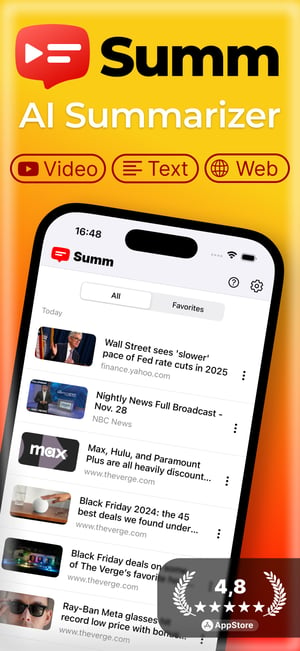
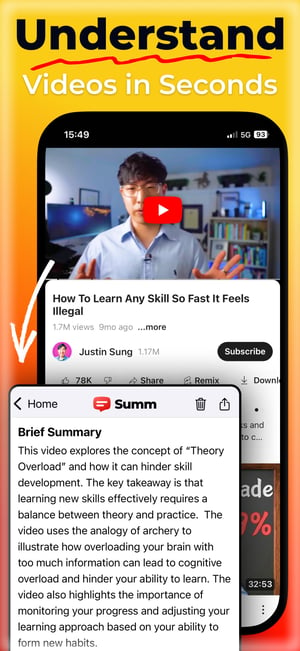
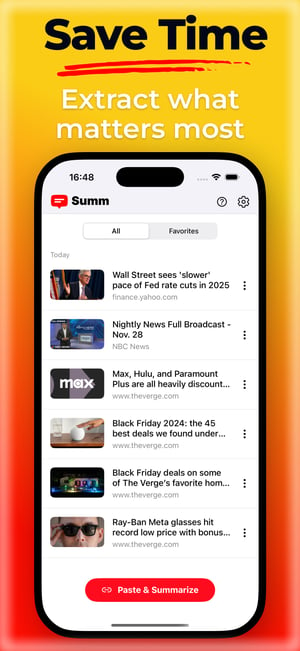
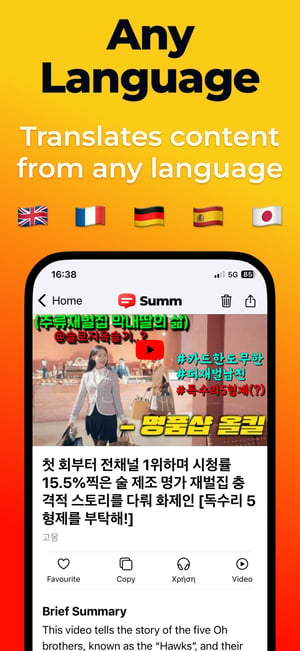
Summarize any video on your phone with Summ

Share a video from YouTube to Summ and get key points, chapters and timestamps in seconds. You can also listen to the summary.

Download on the Apple Store
Get it on Google Play
Screen 1Screen 2Screen 3Screen 4

Frequently asked questions

How do I convert a YouTube video to text?⌄

Share the video to the Summ app from YouTube, or paste its link, and open the transcript. You can copy it or export it as TXT. Videos already in our library show their text on this page.

Is it free?⌄

The Summ app has a free plan with daily use. Premium adds unlimited use and longer videos.

How accurate is the text?⌄

It matches the video's captions. Creator-written captions are close to perfect. Auto-generated ones can misspell names and technical words.

Can I convert a video without captions?⌄

Text comes from the video's captions, so videos with no captions can't be converted.

Related

Example summaries