YouTube Transcript Downloader

Save a YouTube video's transcript as a text file or a subtitle file. Paste the link to find the video, then open it in the Summ app and export TXT, SRT or VTT. No browser extension needed.

Works with YouTube videos, Shorts, podcasts and live replays

How it works

  1. 1

    Paste the YouTube link

    Any video, Short or live replay with captions.

  2. 2

    Open it in Summ

    Share the video to Summ from YouTube, or paste the link in the app.

  3. 3

    Export TXT, SRT or VTT

    TXT for reading and editing, SRT or VTT for subtitles in video editors and players.

TXT or SRT: which format do you need?

  • TXT: plain text, optionally with [mm:ss] timestamps. Best for notes, quotes, articles and AI tools like ChatGPT.
  • SRT: numbered subtitle blocks with start and end times. Best for Premiere Pro, DaVinci Resolve, CapCut, Final Cut, VLC and re-uploading captions.
  • VTT: the web subtitle format. Best for HTML5 video players and online course platforms.

Download YouTube subtitles without software

YouTube lets you view a transcript, but not download it. Copying it by hand loses the formatting and mixes timestamps into the text. Summ gives you a clean file in one tap on your phone, and videos already in our library can be downloaded as TXT or SRT right on this page.

Tips for working with downloaded transcripts

  • Turn timestamps off before copying into a document or an AI chat. The text is cleaner and uses fewer tokens.
  • Keep timestamps on when you're making notes, so you can jump back to the source moment.
  • Auto-generated captions don't have punctuation. Paste the text into the Summ app to get a readable summary instead of a wall of text.
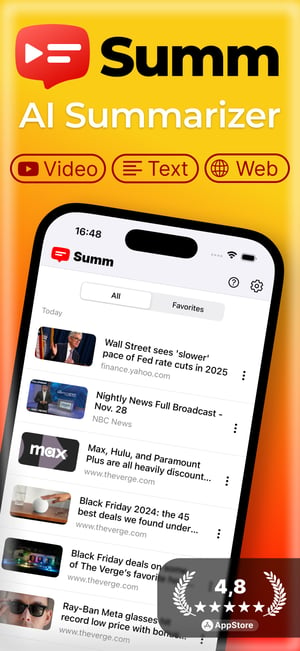
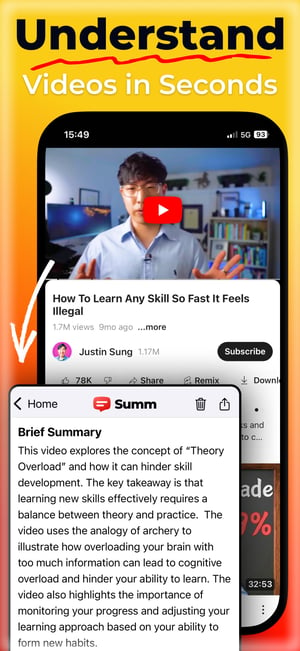
Summarize any video on your phone with Summ

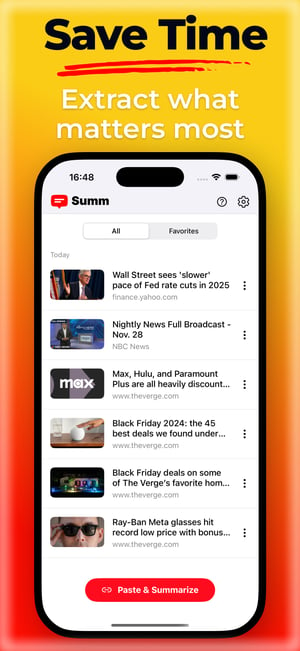
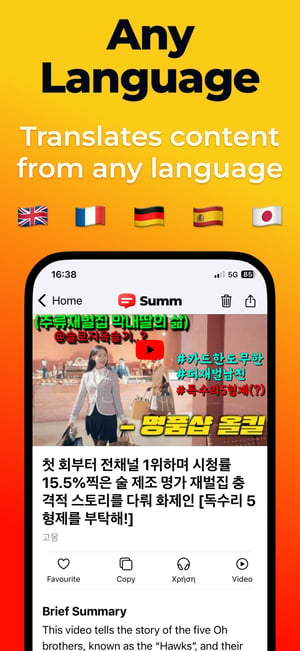
Share a video from YouTube to Summ and get key points, chapters and timestamps in seconds. You can also listen to the summary.

Download on the Apple Store
Get it on Google Play
Screen 1Screen 2Screen 3Screen 4

Frequently asked questions

How do I download a YouTube transcript?⌄

Share the video to the Summ app (or paste its link), open the transcript and choose TXT, SRT or VTT. If the video is already in our library, you can also download it on this page.

Can I download YouTube subtitles as SRT?⌄

Yes. Summ's SRT export includes numbered caption blocks with start and end times, ready for video editors and media players.

Is downloading transcripts legal?⌄

Transcripts are fine for personal use like notes, study, accessibility and research. If you want to republish someone's words, check the creator's rights and quote fairly with attribution.

Do I need a browser extension?⌄

No. Summ is a regular app for iPhone, iPad and Android.

Related

Example summaries