
Brief Summary
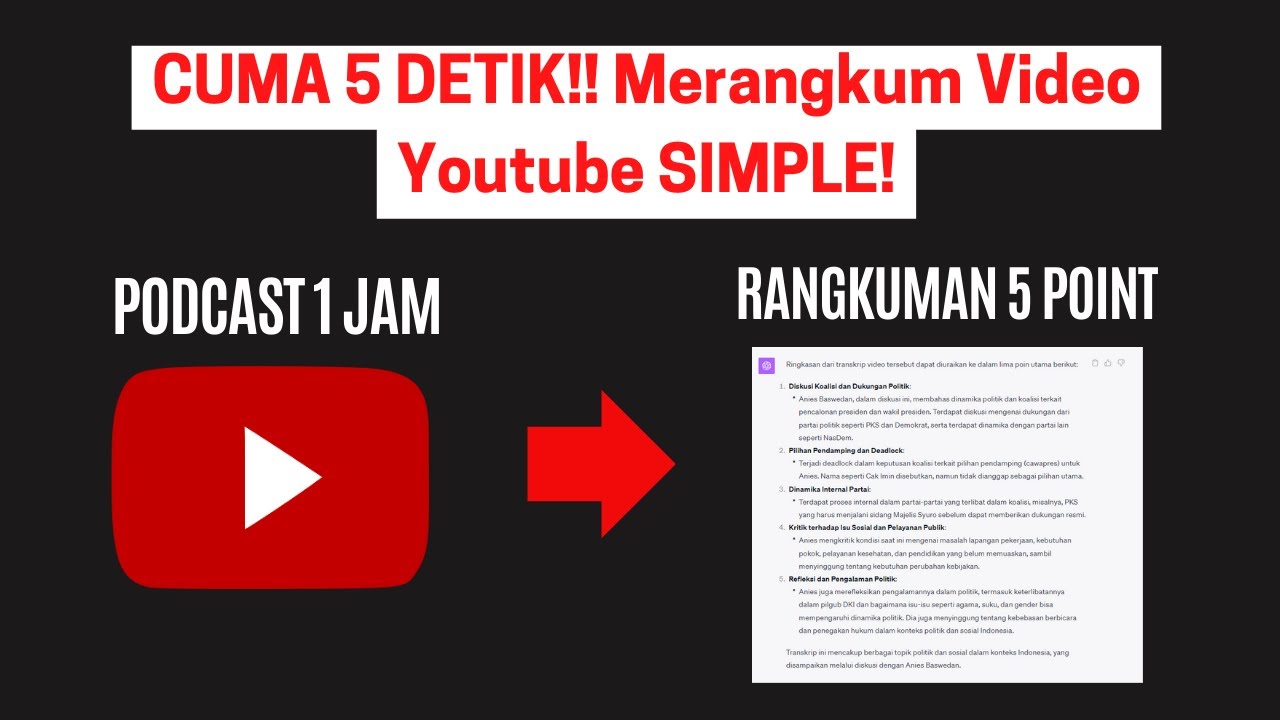
This video explains how to use the Glasp Chrome extension to summarize YouTube videos using ChatGPT. It focuses on installing the extension, accessing video transcripts, and using AI to generate summaries and questions about the video content. This allows users to quickly grasp the main points of long videos without watching them in full.
- Installation and Access: The video guides viewers on installing the YouTube Summary with ChatGPT extension from the Chrome Web Store.
- Summarization: It demonstrates how to automatically access video transcripts and use ChatGPT to create summaries of varying lengths.
- Interactive Questioning: The tutorial shows how to ask questions about the video content directly through the ChatGPT interface, enhancing understanding and engagement.
Introduction to Summarizing YouTube Videos with ChatGPT
The video introduces the use of the Glasp Chrome extension as a tool to summarize lengthy YouTube videos using ChatGPT. This method is presented as a way to quickly understand the core content of videos or podcasts without needing to watch them in their entirety. The presenter highlights the advantages of using Glasp, which includes a web highlighter and a YouTube summary feature.
Installing and Accessing YouTube Summary with ChatGPT
The presenter guides viewers through the process of installing the YouTube Summary with ChatGPT extension from the Chrome Web Store. After installation, a "Transcript and Summary" section automatically appears on the right side of the YouTube video page. Clicking the arrow reveals the entire video transcript. This feature supports Indonesian, providing accurate transcriptions that can sometimes be unreliable with other tools like ChatGPT Plus or Link Reader.
Generating AI Summaries and Asking Questions
The tutorial explains how to use the extension to generate summaries by clicking the AI summary icon, which directs users to ChatGPT. The presenter demonstrates how to customize the summary by specifying the number of points and then saving and submitting the request. Additionally, the video shows how to ask specific questions about the video content, turning the summarization tool into an interactive learning aid.
Benefits and Conclusion
The presenter reiterates the ease of using the YouTube Summary extension to quickly summarize videos. The tool provides clear and concise summaries, saving viewers time and effort. The video concludes by encouraging viewers to subscribe for more helpful content and thanking them for watching.

