
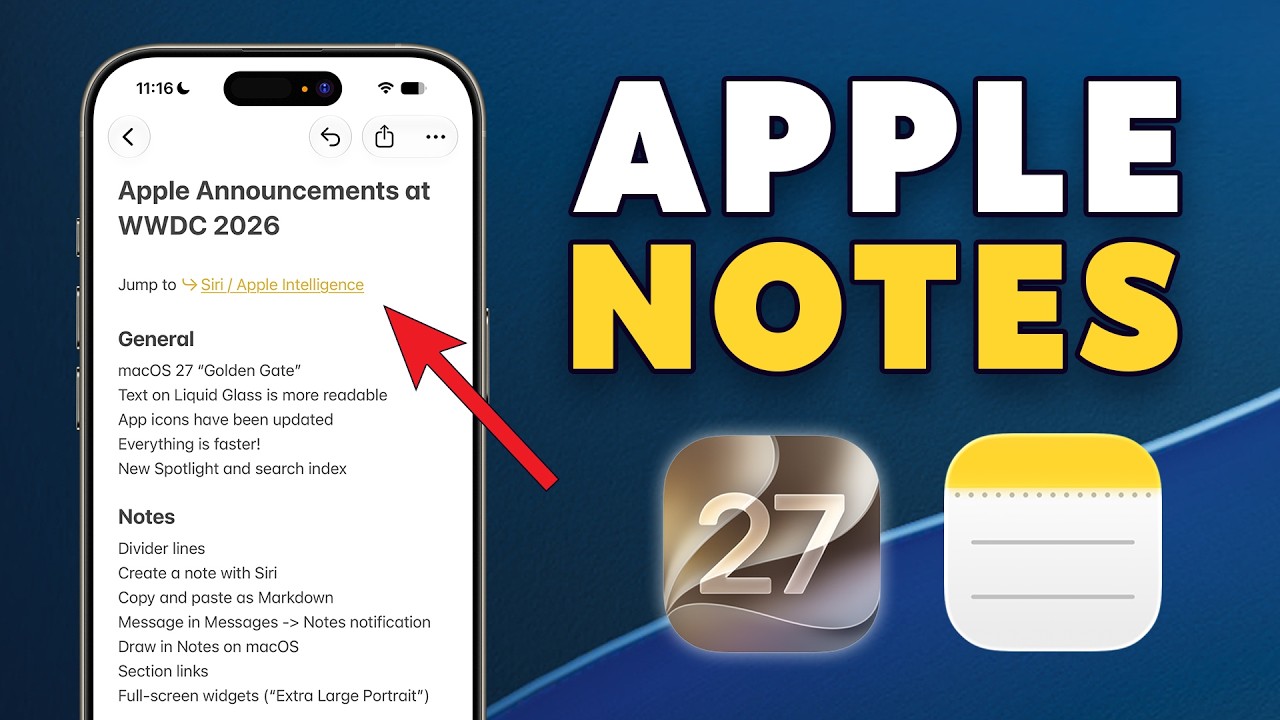
Brief Summary
This video discusses the new features of the Apple Notes app that will be available with iOS 17. Key updates include the introduction of an extra-large widget, new formatting options, improved linking capabilities, support for markdown text, the addition of Siri AI functionalities, and enhancements in audio recording and transcription accuracy. The video ends by promoting a free Apple Notes cheat sheet to help users maximize the app's potential.
- New extra-large widget option
- Ability to insert divider lines in notes
- Enhanced linking to sections and other notes
- Markdown support for text formatting
- Siri AI improvements for creating and managing notes
- Enhanced audio transcription accuracy
New Features Overview
The video begins with an overview of the new features coming to the Apple Notes app this fall with the iOS 17 update. The presenter shows the updated interface with the introduction of additional functionalities and enhancements aimed at improving user experience.
Extra-Large Widget
The presenter navigates to their second home screen showcasing an Apple Notes widget. A new feature allows users to change the widget size to an extra-large portrait widget that could be beneficial for future foldable iPhones. This large widget is designed to take up the entire home screen space.
New Note Formatting Options
After tapping into a note, the presenter demonstrates the updated formatting tools available. Users can now create horizontal divider lines within their notes by inserting empty spaces, enhancing organization in larger notes. The feature helps in neatly breaking down content for better readability.
Linking to Sections
New linking options in the Apple Notes app allow users to create links to specific sections within notes. By using arrow icons, they can also navigate directly to those sections. This feature is demonstrated by creating a link titled "See also" that takes users directly to the relevant section, thus improving navigation.
Markdown Support
The video highlights the new ability to copy and paste text as markdown, which maintains formatting when transferring text between applications. The presenter illustrates this by copying note content into the Todoist app and demonstrates how markdown preserves the formatting, which resolves past issues with text discrepancies during transfers.
Siri AI Features
The presenter introduces new Siri AI functionalities that allow users to create, find, or modify notes hands-free. Although unavailable in the EU at the moment, users can expect this feature to enhance the utility of the Notes app significantly, facilitating easier note management through voice commands.
Audio Recording and Transcription
The functionality of recording audio directly within notes is discussed, demonstrating how users can transcribe spoken words into text. Additionally, the improvement of transcription accuracy in newer iPhone models is noted, enhancing the overall utility of the audio note-taking capability.
Building a System Around Apple Notes
The presenter emphasizes that these new features are most effective when integrated into a personalized note-taking system. They encourage viewers to download a free Apple notes cheat sheet to begin building a robust system for managing their notes more effectively.

