
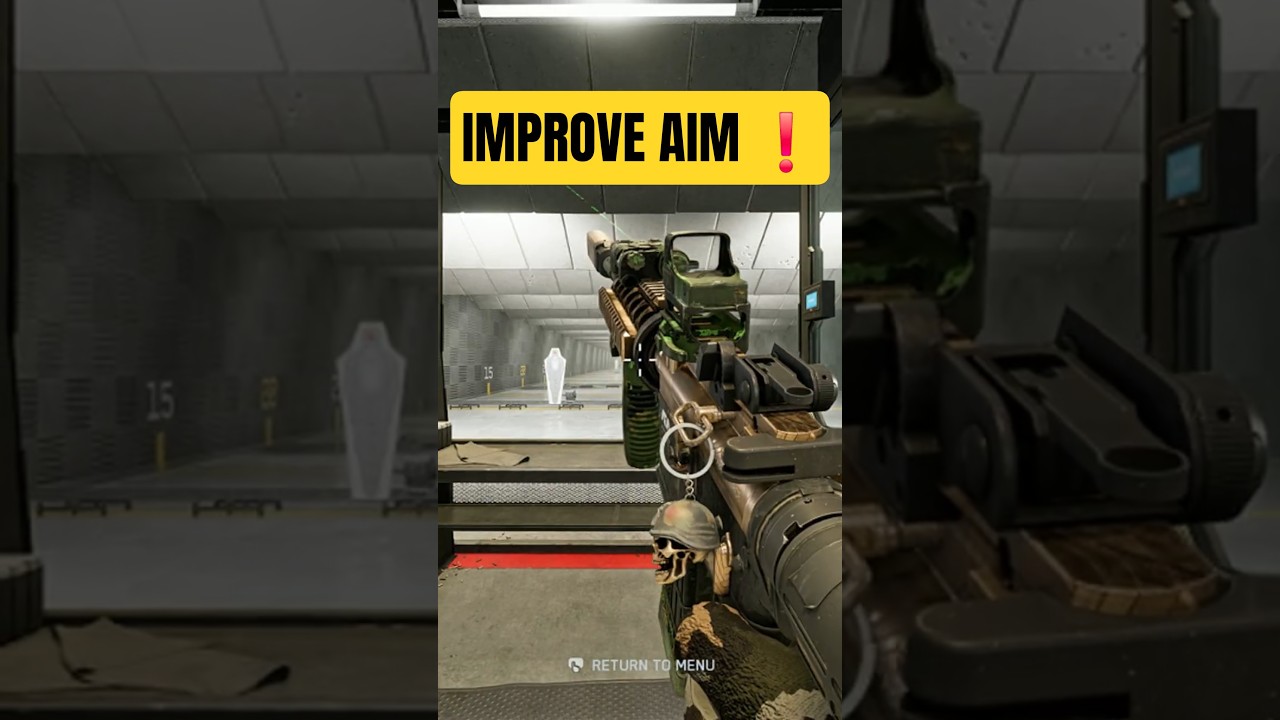
Brief Summary
This video discusses the nuances of aim assist in Battlefield 6, illustrating how to optimize sensitivity settings for better gameplay. The presenter emphasizes the balance between relying on muscle memory versus aim assist and provides specific recommendations for sensitivity adjustments.
- Aim assist should aid, not control gameplay; balance is key.
- Sensitivity settings recommended are infantry sensitivity at 70 and infantry zoom aim sensitivity at 35 for optimal tracking.
Understanding Aim Assist
The video begins by defining aim assist's role in Battlefield 6, explaining that while it contributes to gameplay, the focus should be on utilizing muscle memory. The presenter points out the difference in perception between players regarding the strength of aim assist and stresses finding the ideal balance.
Sensitivity Settings Explained
In this chapter, the presenter elaborates on specific sensitivity settings essential for competitive gameplay. He recommends an infantry sensitivity setting of 70, which allows natural movement without aiming down sights. Two types of speeds are introduced: one for turning without aim and another for when aiming, with an emphasis on adjusting sensitivity for better control during gunfights.
Tracking Recommendations
The presenter suggests setting infantry zoom aim sensitivity to 35, which enhances tracking accuracy. This setting is slightly faster than the usual sprint speed of enemy characters, making it easier to follow targets in medium-range engagements. He advises that a slightly higher sensitivity, around the 30 mark, is often beneficial for maintaining competitiveness.
Demonstration of Settings in Action
Concluding with practical demonstrations, the presenter showcases how his sensitivity settings impact gameplay positively. He highlights a successful match, capturing moments of effective enemy tracking and eliminating threats, including a chopper. These visual examples reinforce the importance of tuning sensitivity for skillful performance in Battlefield 6.