
Brief Summary
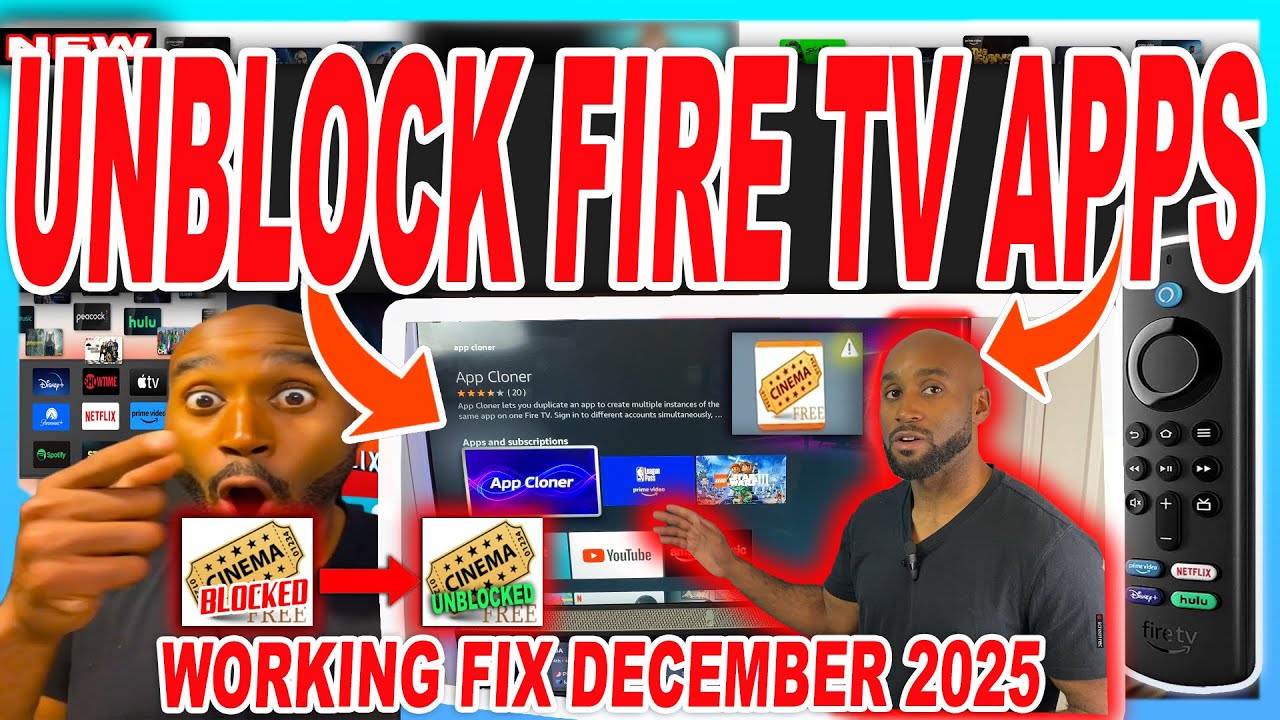
This video provides three methods to bypass warning messages on Amazon Fire TV apps identified as providing access to unlicensed content. The first method involves simply clicking the "launch anyways" button. The second method suggests installing a second, updated version of the application. The third method uses the "App Cloner" application to create a duplicate of the app, which may not trigger the warning message.
- Launch Anyways Button
- Installing a Second Version of the App
- Using App Cloner
Intro
The video addresses the issue of Amazon Fire TV apps displaying warning messages about unlicensed content, indicated by triangle marks on the app icons. These warnings state that the apps may be disabled in the future but currently offer a "launch anyways" option. The presenter introduces three methods to bypass these warnings and continue using the apps.
Method 1: Launch Anyways Button
The first and simplest method is to click the "launch anyways" button when the warning message appears. This allows the application to launch and function normally, providing immediate access to streaming content. This is presented as the quickest solution to bypass the warning.
Method 2: Installing a Second Version of the Application
The second method involves installing a second, updated version of the problematic application. This workaround addresses situations where the "launch anyways" button is not working or the application has been disabled. To enable this, developer options must be activated in the Fire TV settings by repeatedly clicking on the Fire TV name in the "About" section until "No need, you are already a developer" appears. Then, "Install from unknown apps" must be turned on for the Downloader app, which is used to install third-party applications. The presenter demonstrates this by showing how an updated version of Nova TV (from version 2.3.4 to 2.3.6) resolves the warning issue.
Method 3: Using App Cloner
The third method uses an application called "App Cloner," available in the Amazon App Store, to create a duplicate of the app. This method is useful when there are no available updates for the app. After installing App Cloner, the user must grant it permission to install from unknown apps in the developer options. The presenter demonstrates how to clone an application, which results in two versions of the same app, one with the warning triangle and one without. This allows the user to launch and use the cloned app without encountering the warning message.

