
Brief Summary
This lecture provides a comprehensive overview of Meta Ads, focusing on campaign objectives, ad layers, and AI optimization. It details the setup of a lead generation campaign, including budgeting, targeting, and the creation of instant forms within Meta Business Suite. The lecture also touches on strategies for e-commerce businesses to leverage Meta Ads for customer acquisition and sales.
- Meta Ads are structured into three layers: campaign, ad set, and ad.
- Meta uses AI optimization to target users and optimize budget based on campaign objectives.
- Lead generation campaigns collect potential customer information through instant forms.
- E-commerce businesses can use Meta Ads to showcase product catalogs and acquire customers.
Recap of Campaign Objectives & Introduction to Meta Layers
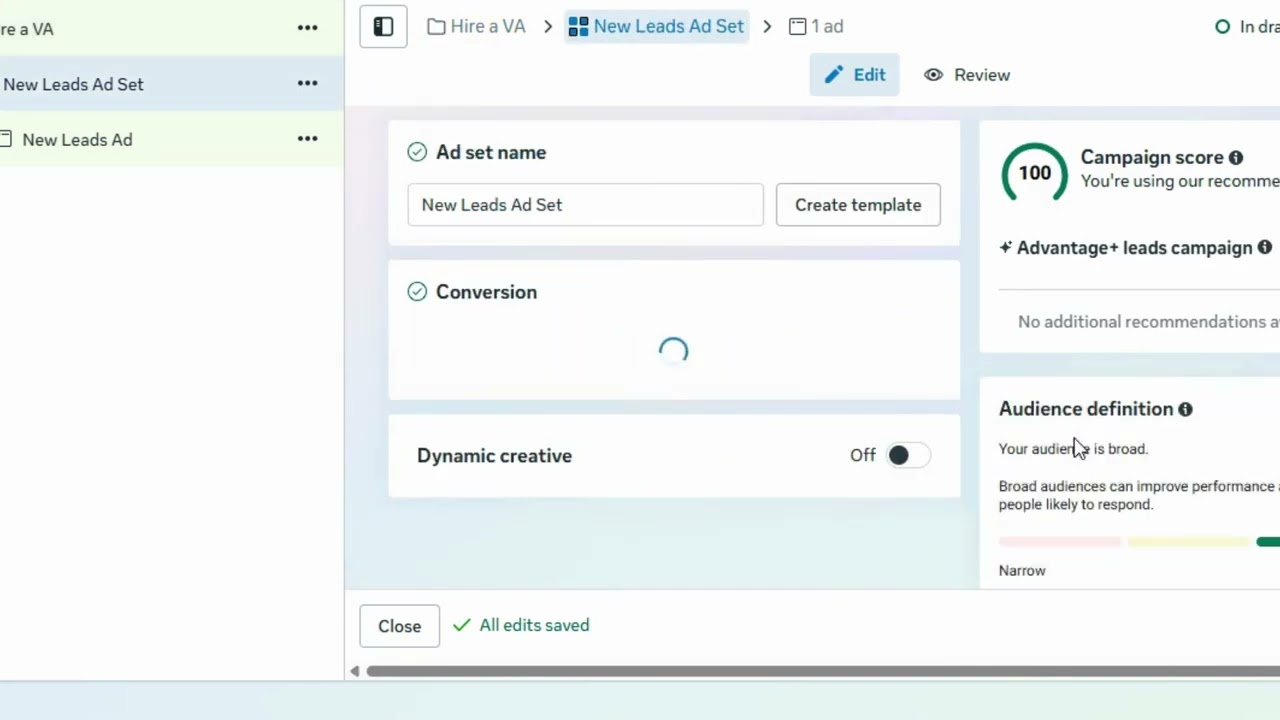
The lecture begins by recapping the various campaign objectives available in Meta Ads, including awareness, traffic, engagement, leads, app promotion, and sales. It introduces the three main layers within Meta Ads: campaign level, ad set level, and ad level. At the campaign level, the objective is defined. The ad set level focuses on the audience, budget, and placement. The ad level is where the creative aspects of the ad are determined, influencing what potential customers see.
Understanding Campaign, Ad Set, and Ad Levels
Meta Ads are structured into three layers: campaign, ad set, and ad. At the campaign level, the objective is defined. The ad set level focuses on the audience, budget, and placement. The ad level is where the creative aspects of the ad are determined, influencing what potential customers see.
How Meta’s AI Optimization Works
Meta uses AI optimization to determine who sees your ad, what types of users are targeted, how your budget is optimized, and how the action is prioritized. The campaign objective is the most important decision, as it informs Meta's algorithm about the desired result.
Deep Dive: The Lead Generation Objective
The lecture focuses on the lead generation objective, which aims to collect potential customer information through instant forms or direct messaging on WhatsApp or Messenger. This objective is optimized to target people likely to submit their details, allowing for follow-ups and conversion into active customers.
Setting Up Your Campaign: Budgeting & Page Connection
When setting up a lead generation campaign, you can name the campaign and set a daily budget. The platform provides a recommended minimum daily budget. The lecture demonstrates connecting a Facebook page to the ad campaign.
Targeting & Scheduling: Moving from Pakistan to the US
The lecture explains how to schedule the start and end dates for the ad campaign. It also covers how to change the targeting location from the default Pakistan to the United States, to reach a more relevant audience.
Anatomy of an Instant Form: Creative & Contact Info
The lecture describes the anatomy of an instant form, including the option to add a creative element by uploading an image. The form typically includes fields for contact information such as full name, email, company name, and phone number, along with a privacy policy and a thank you note with a link to the website.
Step-by-Step: Creating New Forms in Meta Business Suite
The lecture guides viewers on how to create new instant forms within Meta Business Suite. This includes choosing a form type (more volume, higher intent, or rich creative), editing the headline and description, adding required contact information fields, and including a link to the website's privacy policy.
Final Tips for E-commerce & Course Wrap-up
The lecture concludes with tips for e-commerce businesses, suggesting they create platforms within Facebook, showcase product catalogs, and run ads with forms to gather customer details and drive sales. It emphasizes the importance of Meta Ads and Google Ads for audience attraction and marketing in the e-commerce sector.

