
Brief Summary
The video provides an in-depth guide on maximizing the use of the iPhone Notes app, showcasing features that enhance productivity and organization. Key points include:
- Step-by-step navigation and recording capabilities.
- Voice recording and audio transcription features for note-taking.
- Integration of photos, text, and hashtags to organize notes effectively.
- Methods for quickly sharing and collaborating on notes.
Intro: Level Up Your iPhone Notes App
The video introduces viewers to the capabilities of the iPhone Notes app, explaining that it can be more than just a simple note-taking tool. It aims to show how to use the app efficiently for various personal and professional tasks.
How to Navigate to the Notes App
To begin, the video explains how to locate the Apple Notes app on the iPhone. If it’s not visible on the home screen, users can swipe down and search for "notes" to open it. This sets the stage for exploring the app's advanced functionalities.
Real-World Example: Irrigation System Issues
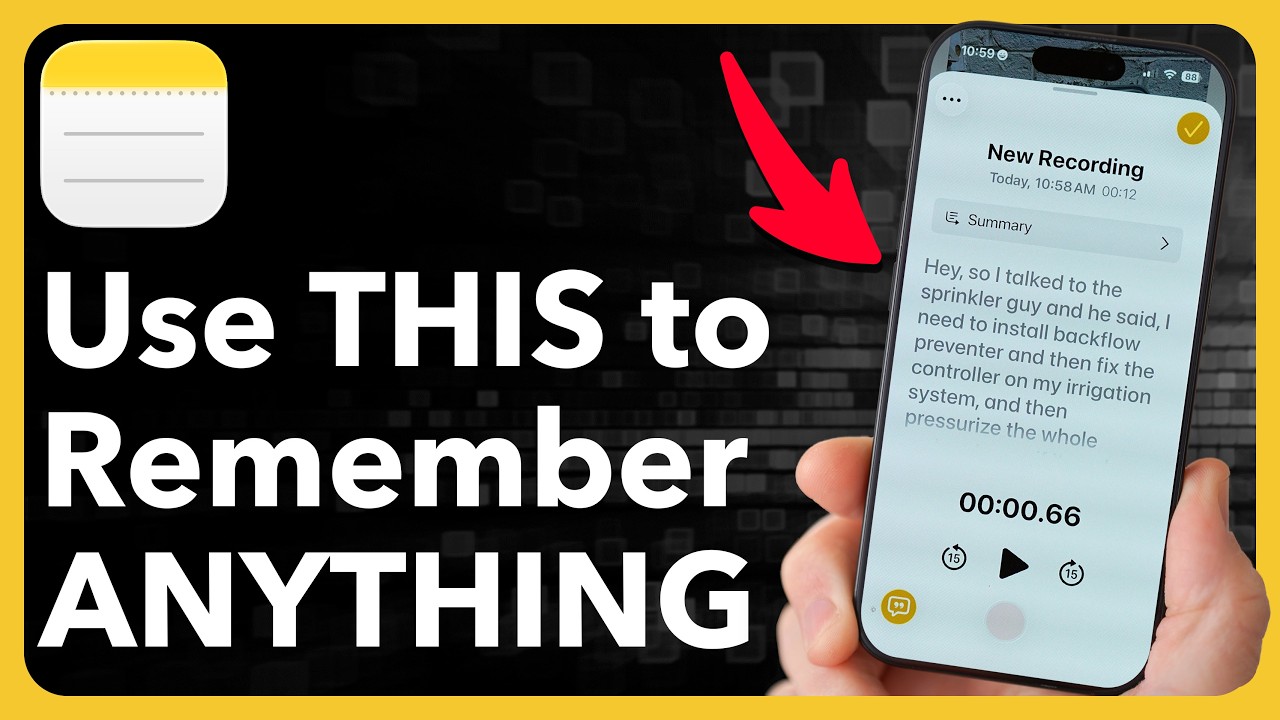
The presenter shares a real-world scenario regarding issues with a sprinkler irrigation system. He emphasizes the importance of capturing information from experts without the hassle of typing on a small keypad after discussions.
How to Record Audio Inside a Note
A key feature highlighted in the video is the ability to record audio directly within a note. Users are directed to tap the paperclip icon above the keyboard, choose to record audio, and dictate notes for later reference. The process of recording and pausing is demonstrated.
Viewing & Copying Audio Transcripts
The video explains how to access transcripts of audio recordings. After making a recording, users can tap to preview it and see a written transcript. It also elaborates on how to copy that transcript into the note for easy reference.
Using Apple Intelligence to Create Bulleted Lists
The video discusses leveraging Apple Intelligence to turn long notes into organized bullet lists. By selecting text and tapping on the Apple Intelligence logo, users can create concise lists of action items extracted from the transcripts of their notes.
Adding Photos & Videos to Notes
Instructions are provided on how to add images and videos to notes by tapping the paperclip icon. This feature is useful for including visual references, such as photos of the sprinkler equipment in the presenter’s example.
Using Live Text to Extract Info from Photos
The video shows how to utilize the Live Text feature to extract information from images within the Notes app. By tapping on text in a photo, users can copy the text for inclusion in their notes, enhancing efficiency and accuracy.
Scanning Text from Documents in Real-Time
A demonstration of scanning physical documents for text is presented. Users can take a photo or choose to scan text and have the app extract necessary information for note-taking, supporting better organization of data.
Organizing with Hashtags
Users are taught how to use hashtags to categorize notes. By typing a hashtag and creating linked notes, they can easily retrieve information related to specific topics, enhancing the searchability of their notes.
Pro Tip: Quick Start Recording from Home Screen
The presenter highlights a quick method for starting a recording directly from the home screen. By pressing and holding the Notes app icon, users can instantly access the option to record audio, making it convenient to capture spontaneous thoughts.
Searching Your Notes Efficiently
The video explains how to search notes effectively using keywords, such as "backflow." This method assists users in locating specific information quickly among numerous notes.
Collaborating on Notes with Others
Collaboration features are discussed, where users can share notes and allow others to edit or add information in real-time. This synchronizes updates across devices using iCloud for effective teamwork.
Final Tips & Wrap Up
The video concludes by reiterating the utility of the Notes app and encouraging users to explore the discussed features for enhanced note management and productivity.

