
Brief Summary
The video discusses using the Sil Suite software for managing an equipment center, referral contacts, alt contacts, and time tracking. The presenter emphasizes operational differences based on user access and the software's customizable nature. Key functionalities include creating and managing equipment inventory, maintaining a list of referral contacts, keeping track of alternative contacts linked to consumers, and logging time for different programs and projects.
- Overview of the equipment center and inventory management
- Explanation of referral and alt contacts management
- Introduction to time tracking features and reporting options
Equipment Center Overview
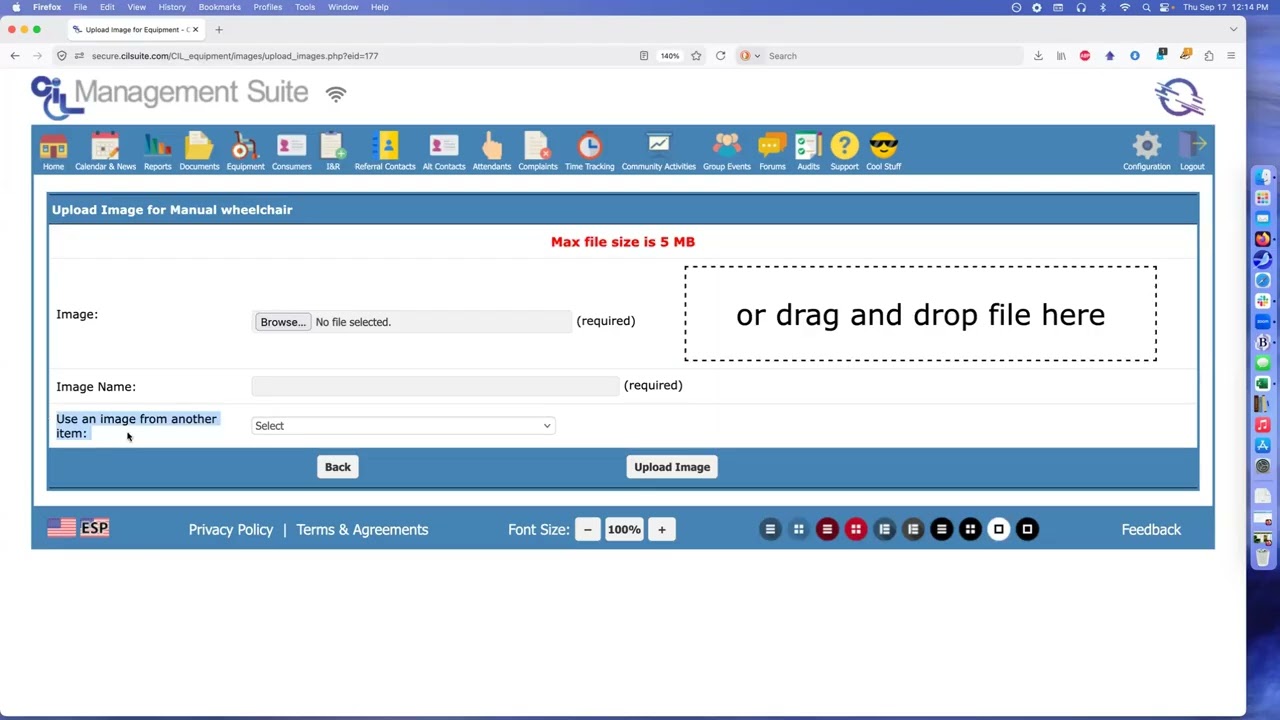
The equipment center houses the inventory of assistive technology and other equipment. Users can sort and search items alphabetically, by inventory tag, name, or serial number. Options to exclude items checked out to consumers or show deleted items are available. Each equipment item can have various attributes such as name, type, condition, status, and source, which are customizable. Users with editing permissions can add or modify equipment entries, specify locations, and upload images related to items.
Referral Contacts Management
The referral contacts area provides information on organizations that refer consumers to the center or to whom the center refers consumers. Entries are sorted alphabetically, with the ability to assign primary referral types. Users can filter contacts by location, referral type, and organization details. When creating a referral, essential information includes organization name, contact person, and their details. Users can add multiple contact people and link them to specific services as needed.
Alt Contacts Functionality
The alt contacts feature allows users to manage contact information for individuals connected to consumers, such as emergency contacts or guardians. Users can add new alt contacts, search by name or phone number, and indicate the relationship to the consumer. Contacts can be marked as inactive if they are no longer valid. Users can also add notes relevant to specific consumers that relate to those alt contacts and manage their overall information.
Time Tracking Features
Time tracking is introduced as a feature that may vary in presence depending on user permissions. Users can log hours worked, which are categorized by specific programs, including administrative time or consumer-associated time. Inputs require decimal hours rather than minutes, with additional features for recording units. The video explains how to edit or delete time entries and navigate through a graphical calendar to review or log past entries. Reporting features allow for detailed summaries of hours worked, which can be printed or exported for records.